What is a QR menu?
A QR menu (also called a digital menu) is the menu of a restaurant, bar or café published online and accessible through a QR code. The code is a square image that, when pointed at with the phone camera, automatically opens the web address of your menu. The customer does not need to install any app or type anything.
Unlike a PDF uploaded to your website, a QR menu made with BuenaCarta is a fast, mobile-friendly page with photos, allergens, serving sizes and prices that you can change instantly from your dashboard. The QR is always the same: even if you change the menu a hundred times, you will never have to reprint it.
How does a QR menu work?
- Sign up for free at BuenaCarta with your email address. No credit card required.
- Create your menus: main menu, daily set menu, wine list, desserts… and within each one, the sections and the dishes with their price, description, photo and allergens.
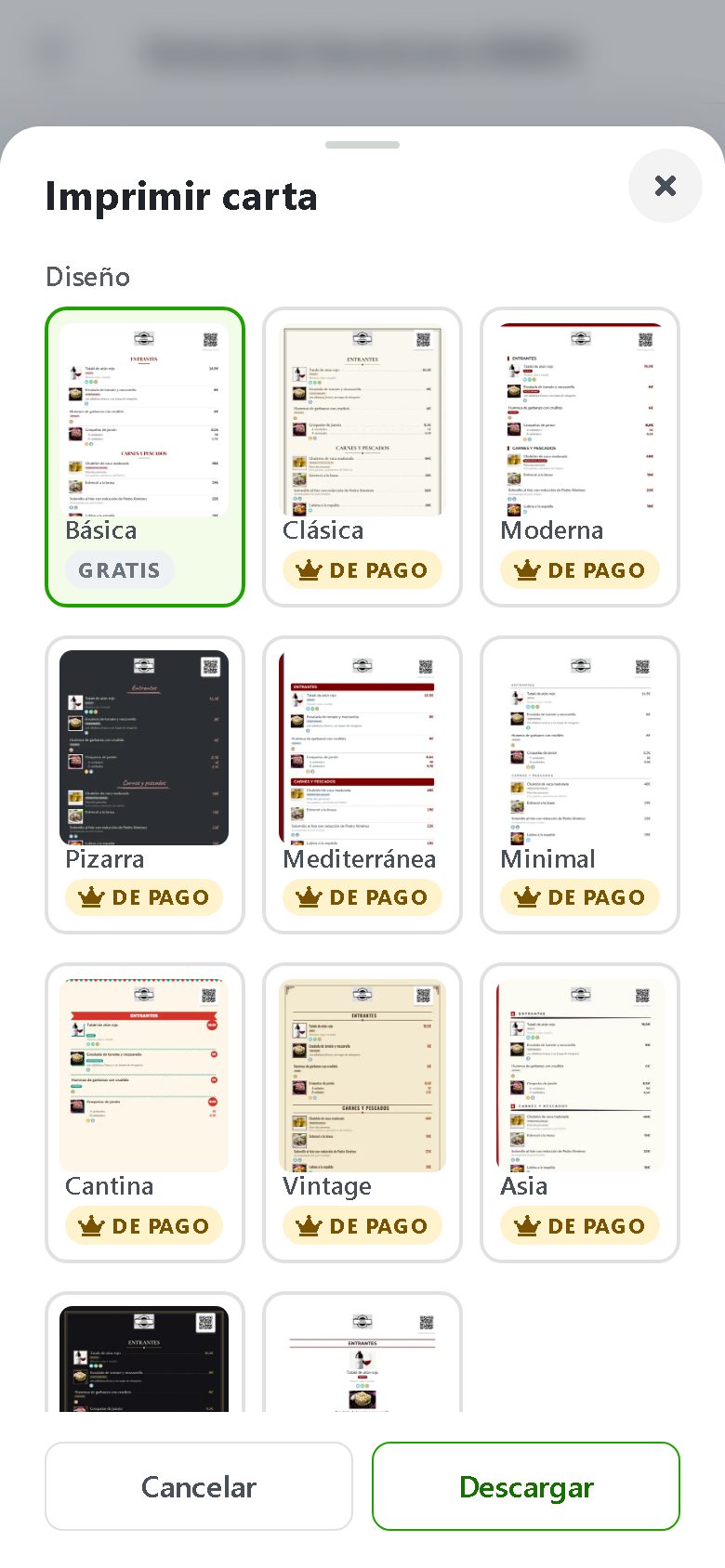
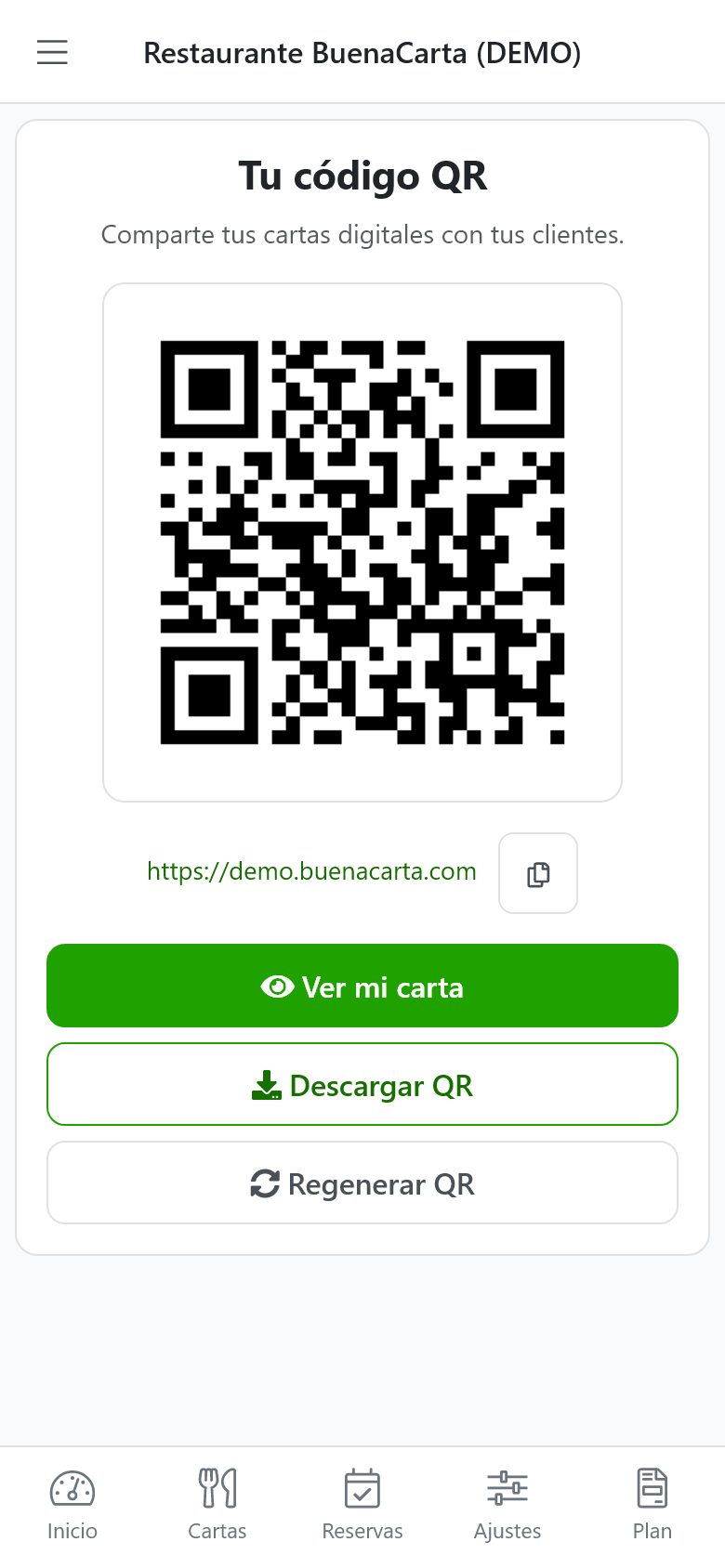
- Download your QR code as a PNG or as a PDF ready to print on cards, stickers or A4 posters.
- Place it on the tables, at the bar, in the shop window or on your social media. Your customers scan it and see the menu instantly.
Want to see it in action? Open our demo menu from your phone or scan the QR on the home page.
Advantages of the QR menu over the paper menu
- Always up to date: change prices, hide a sold-out dish or add a special from your phone in seconds.
- Cost savings: forget about reprinting menus every time something changes or they get worn out.
- More hygienic: nobody touches a menu that has passed through dozens of hands.
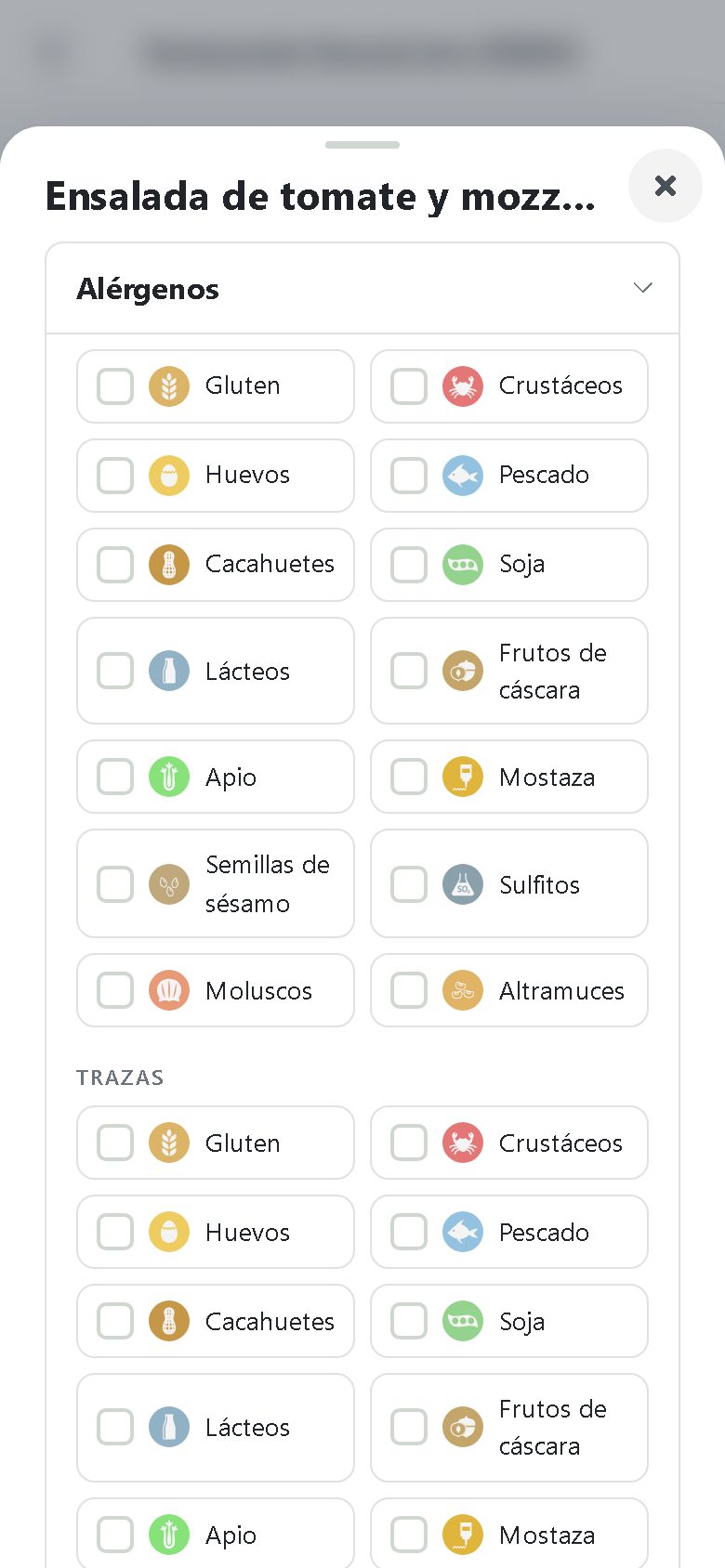
- Allergen regulation compliance: the 14 allergens and the traces on every dish, as required by Regulation 1169/2011. More about allergens in restaurants.
- Photos and descriptions: customers see what they are about to order and the average ticket goes up.
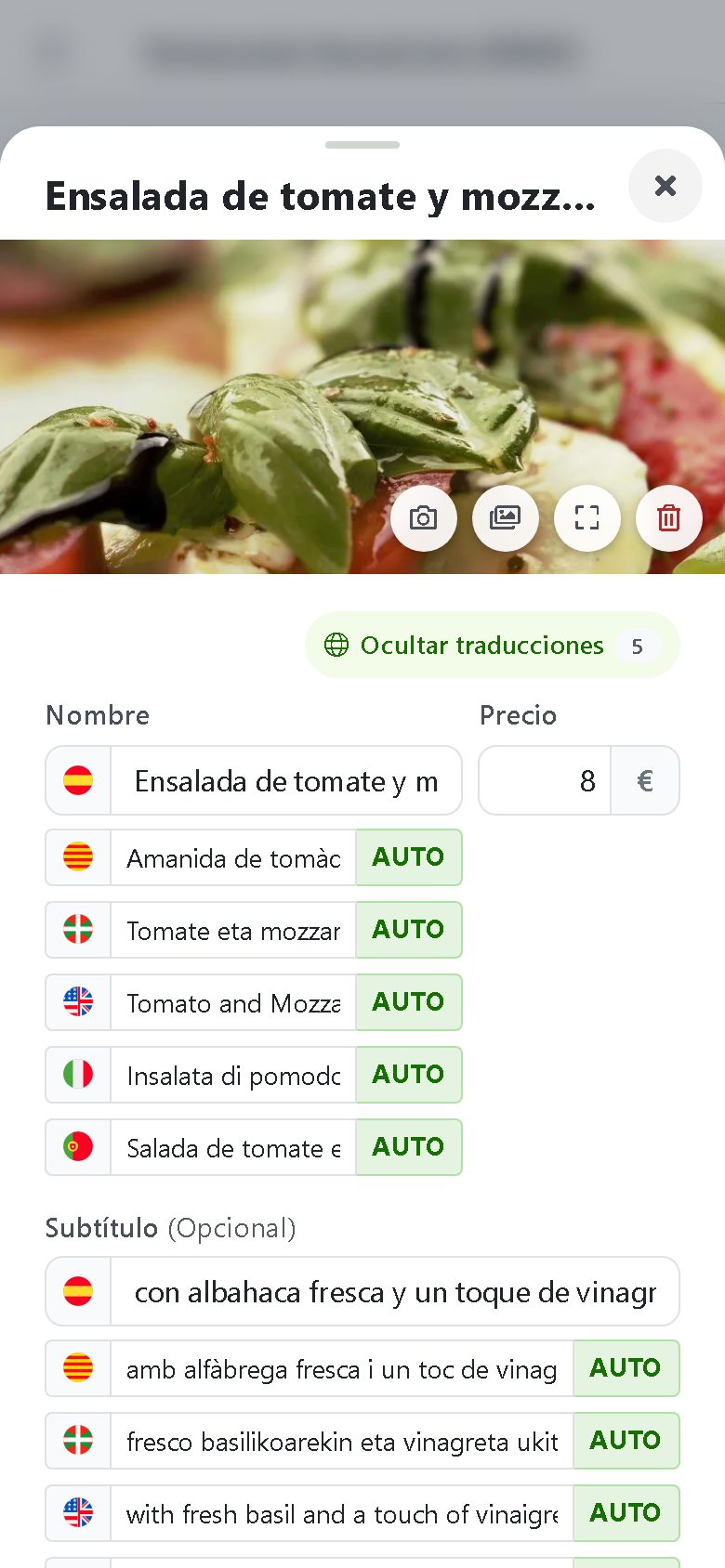
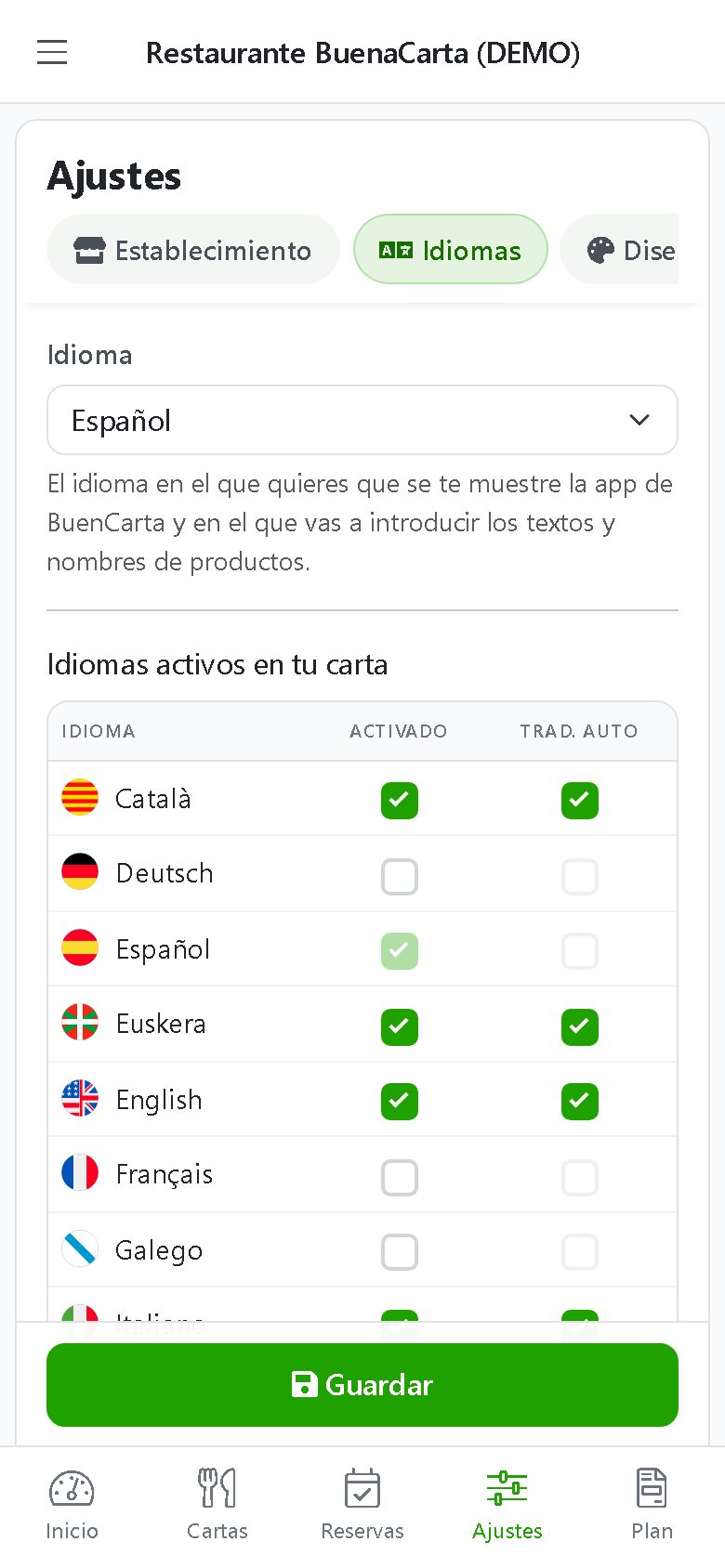
- Several languages: automatic AI translation for tourists.
- And if you need paper, too: generate a printable PDF of your menu with the same content.
Everything you can do with the BuenaCarta QR menu
Menus and set menus
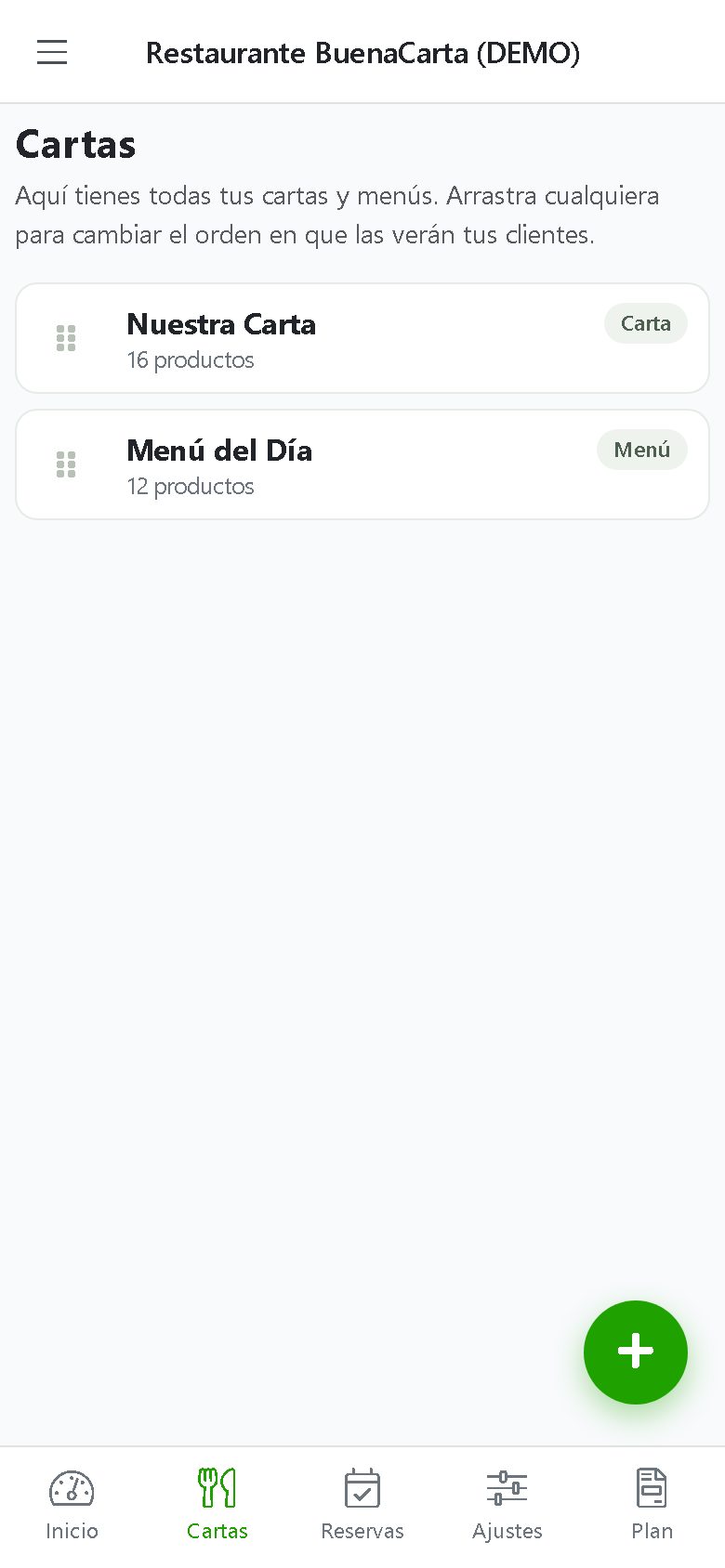
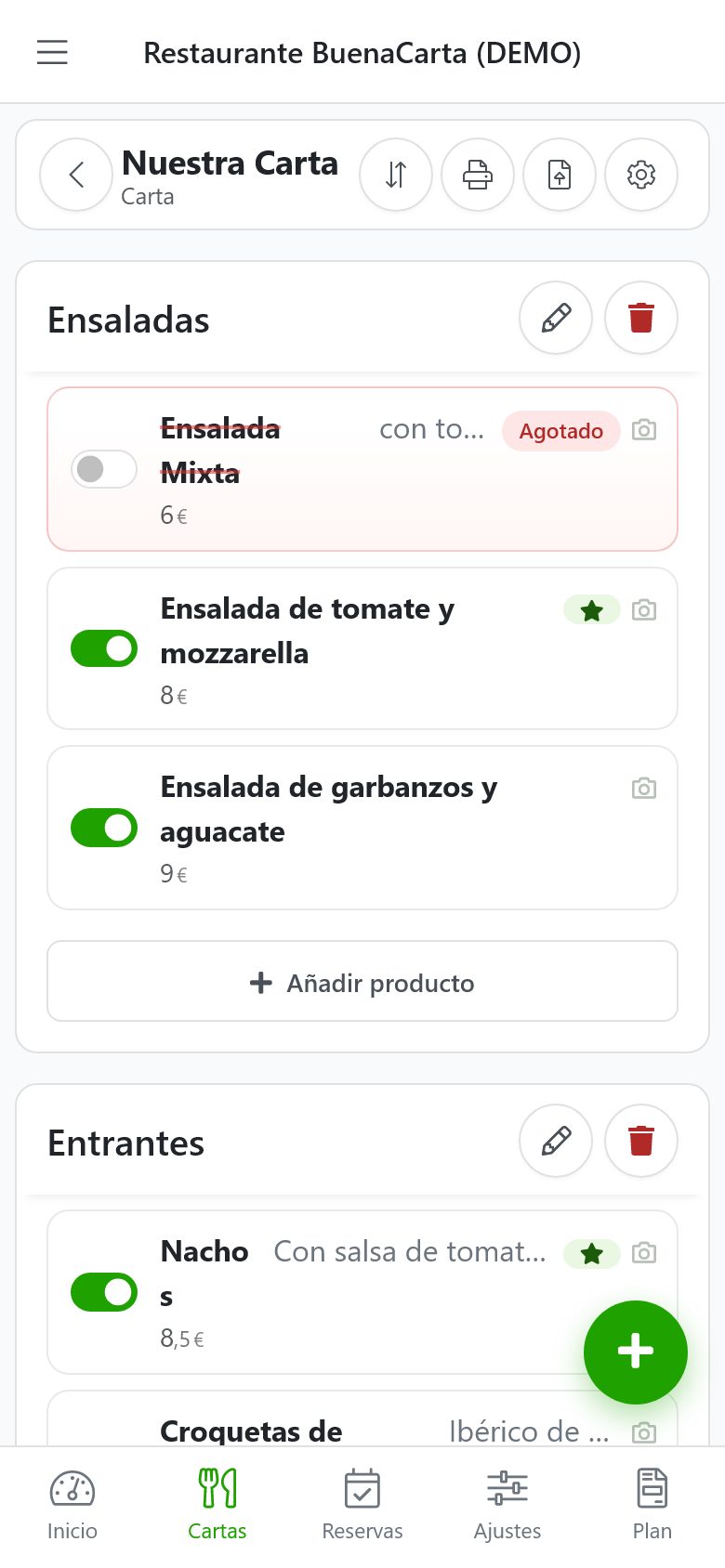
Create as many menus as you need and organize them by sections: starters, meat, fish, desserts, drinks… Tell apart an à la carte menu (individual dishes with their price) from a set menu (starter, main and dessert at a fixed price), and schedule on which days and hours each one is shown.
Dishes with all the information
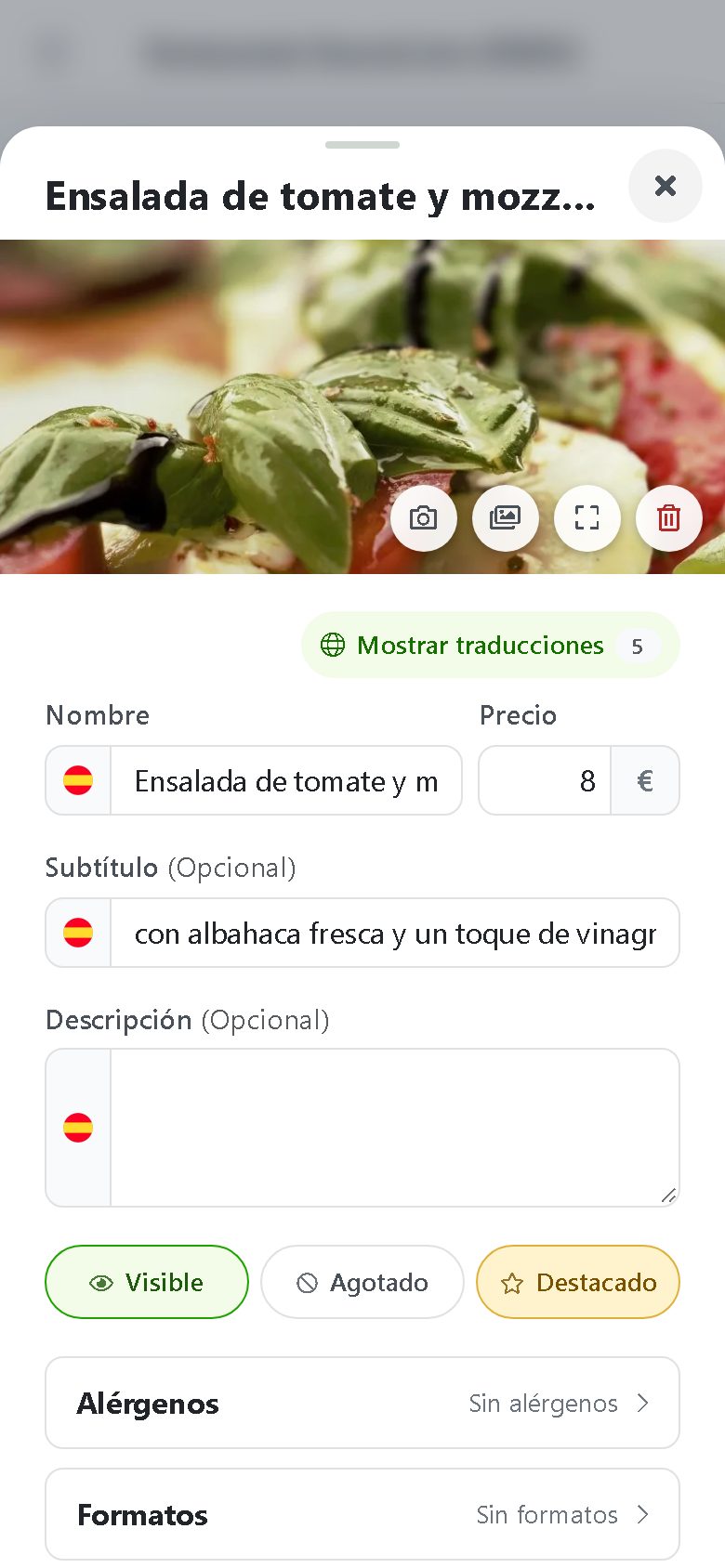
Each dish has a name, description, price, photo, allergens, traces, serving sizes (full portion, half portion, tapa…), and vegan, vegetarian, spicy, home-made or new indicators. You can mark recommended dishes and hide sold-out ones with a tap.
Design to match your brand
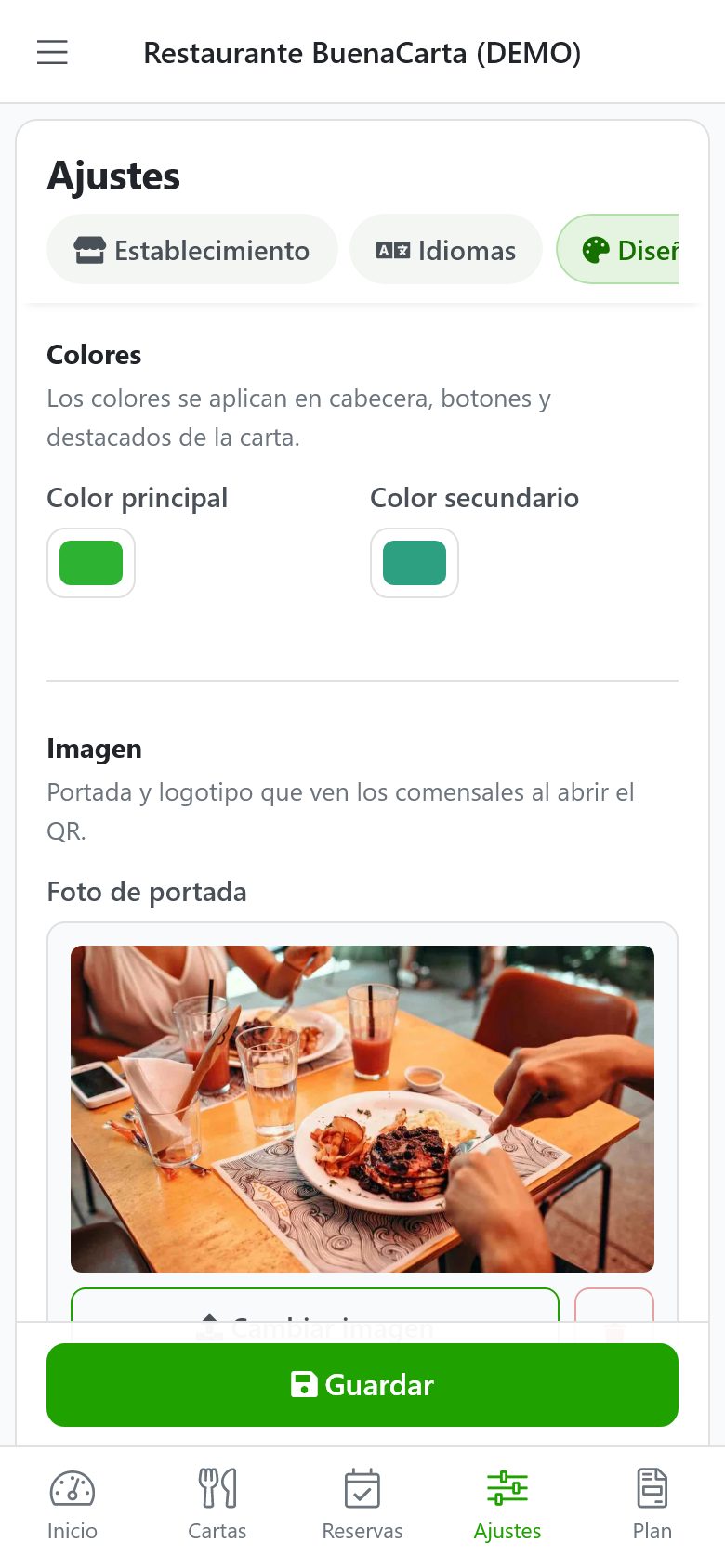
Upload your logo and a photo of your venue, choose your brand colors and the menu style you prefer. Paid plans also give you your own web address and an ad-free menu.
QR code, PDF and social media
Download your QR in different formats, generate the printable PDF of the menu and share the link to your menu on Instagram, Facebook, Google or WhatsApp.
Automatic AI translation and Excel import
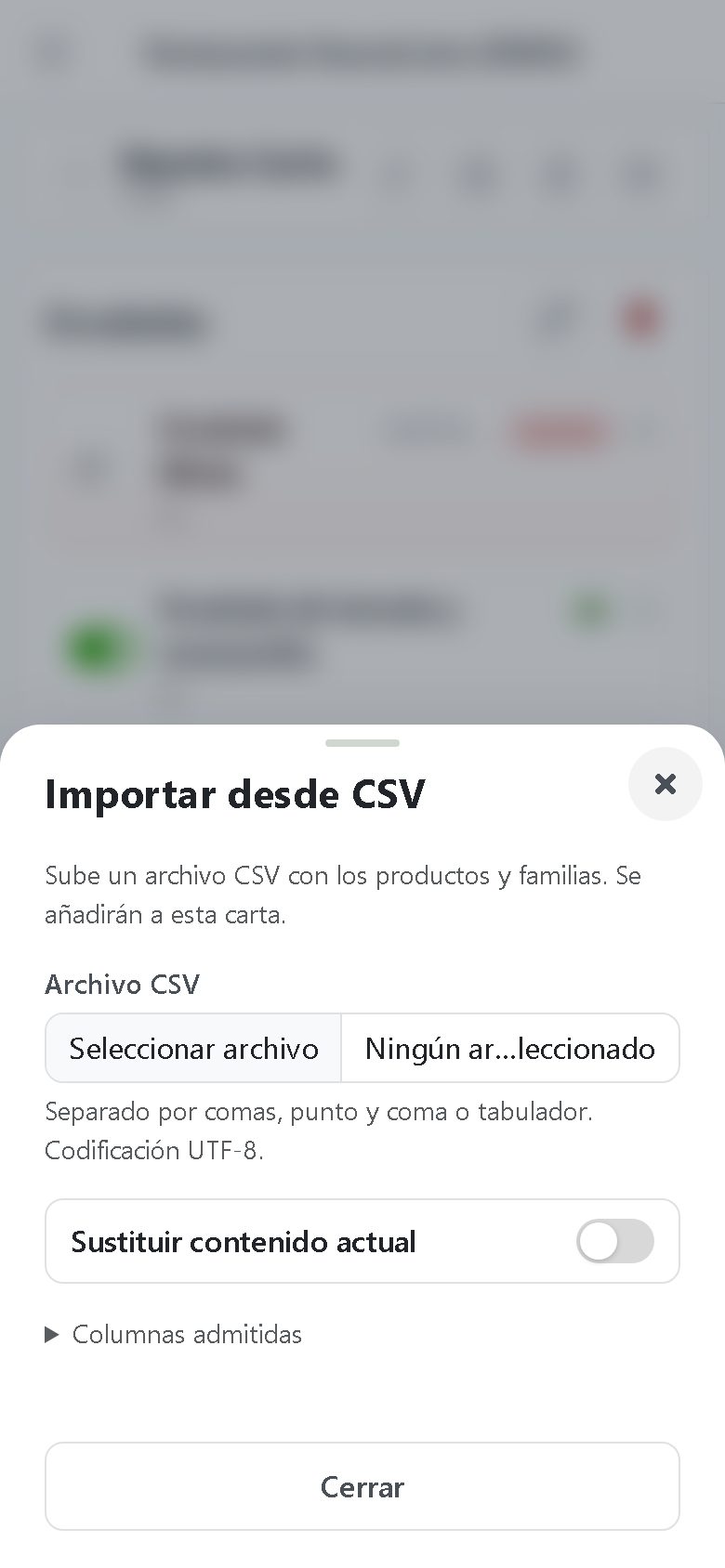
With the Premium plan, artificial intelligence translates the menu into 11 languages and each customer sees it in their phone's language (this is how the AI QR menu works). And if you already have your menu in a spreadsheet, import it from Excel in a minute.
Online bookings
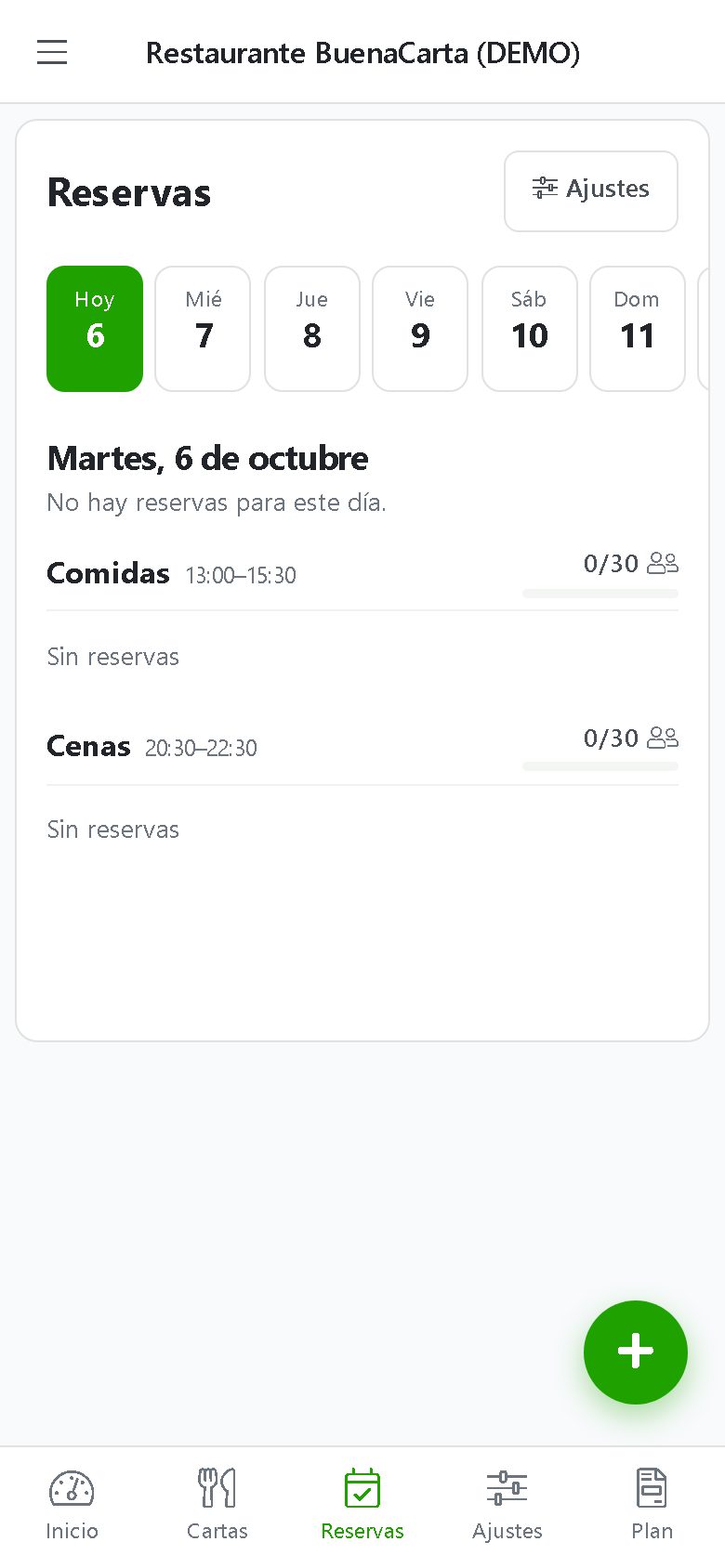
Your customers can book a table from the menu itself and you manage the day's bookings from the dashboard, with no phone calls or notebooks.
Mobile app
Manage your menu from the BuenaCarta app for Android and iOS or from any browser: whatever you change is published instantly.
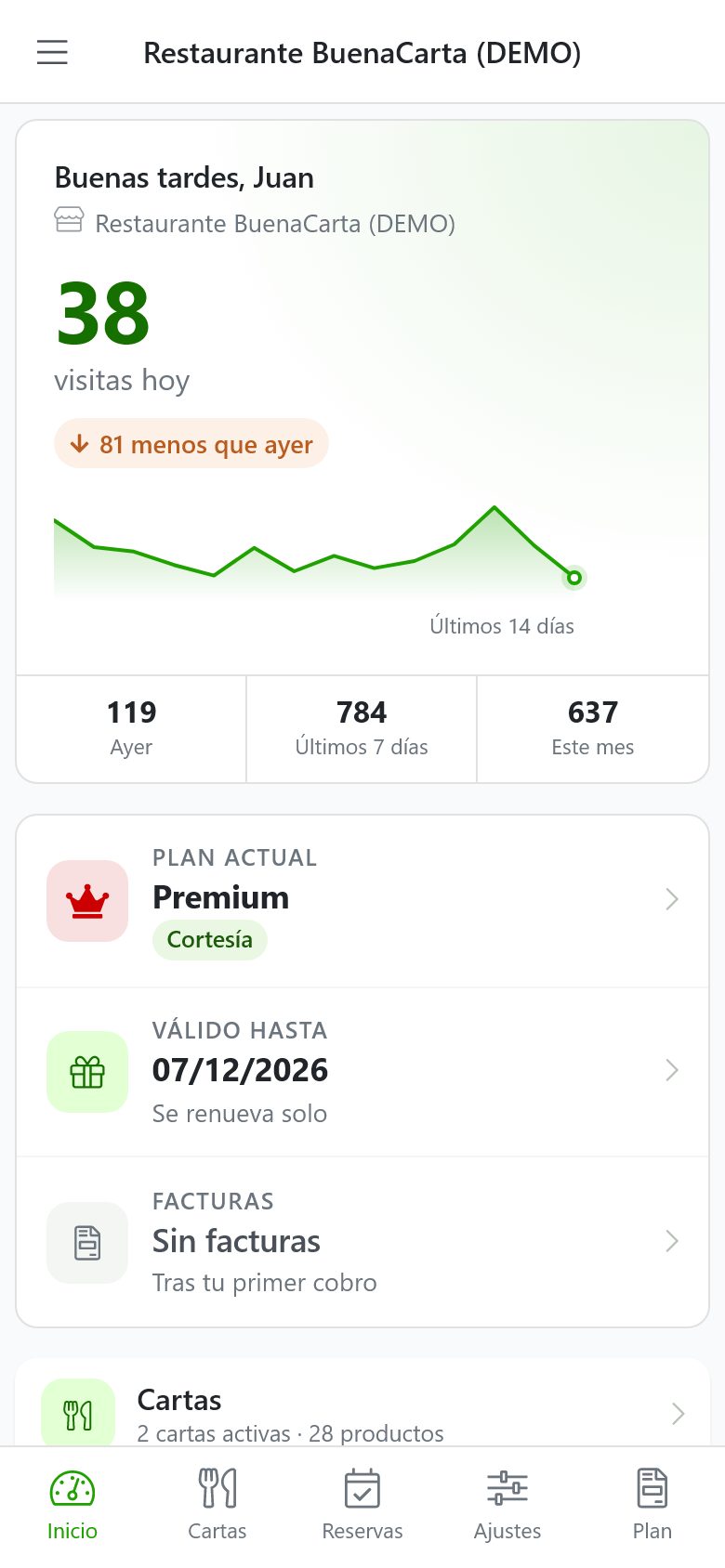
This is the BuenaCarta dashboard, screen by screen
Real screenshots of the owner's dashboard with our demo restaurant. It is designed to be used from the phone, although it works just the same on a computer, and it is also available as an app for Android and iOS.