Free QR menu for your restaurant
Create your restaurant, bar or café's digital menu in minutes: dishes with photos and allergens, online table reservations, a print-ready PDF and automatic AI translation. Your customers see it instantly by scanning a QR code.
- No credit card
- Unlimited dishes
- Free forever
- Free app for Android and iOS
 Coming soon to theApp Store
New: online reservations
Table reservations with no commission, also on the free plan
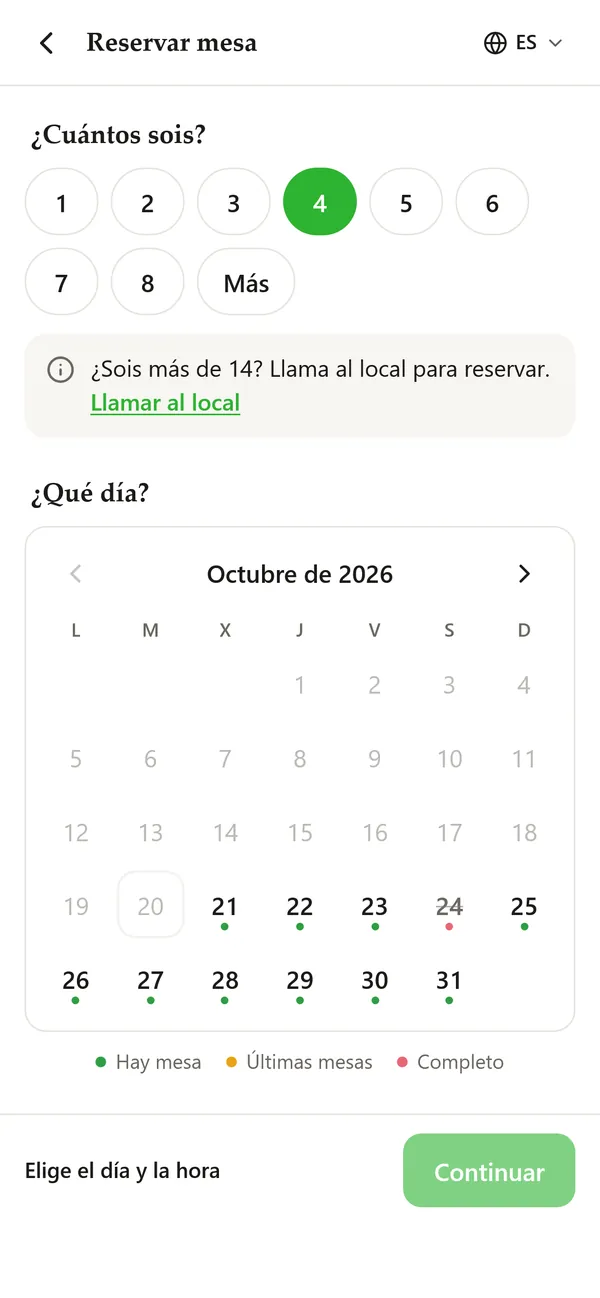
Your customers already check your menu before they come. Now they can also book a table from it: they choose party size, day and time from your available slots, and you find out instantly by email or, with the Advanced and Premium plans, with a notification on your phone in the BuenaCarta app. No calls in the middle of service, no notebooks and no commissions to anyone.
commission per booking and per diner
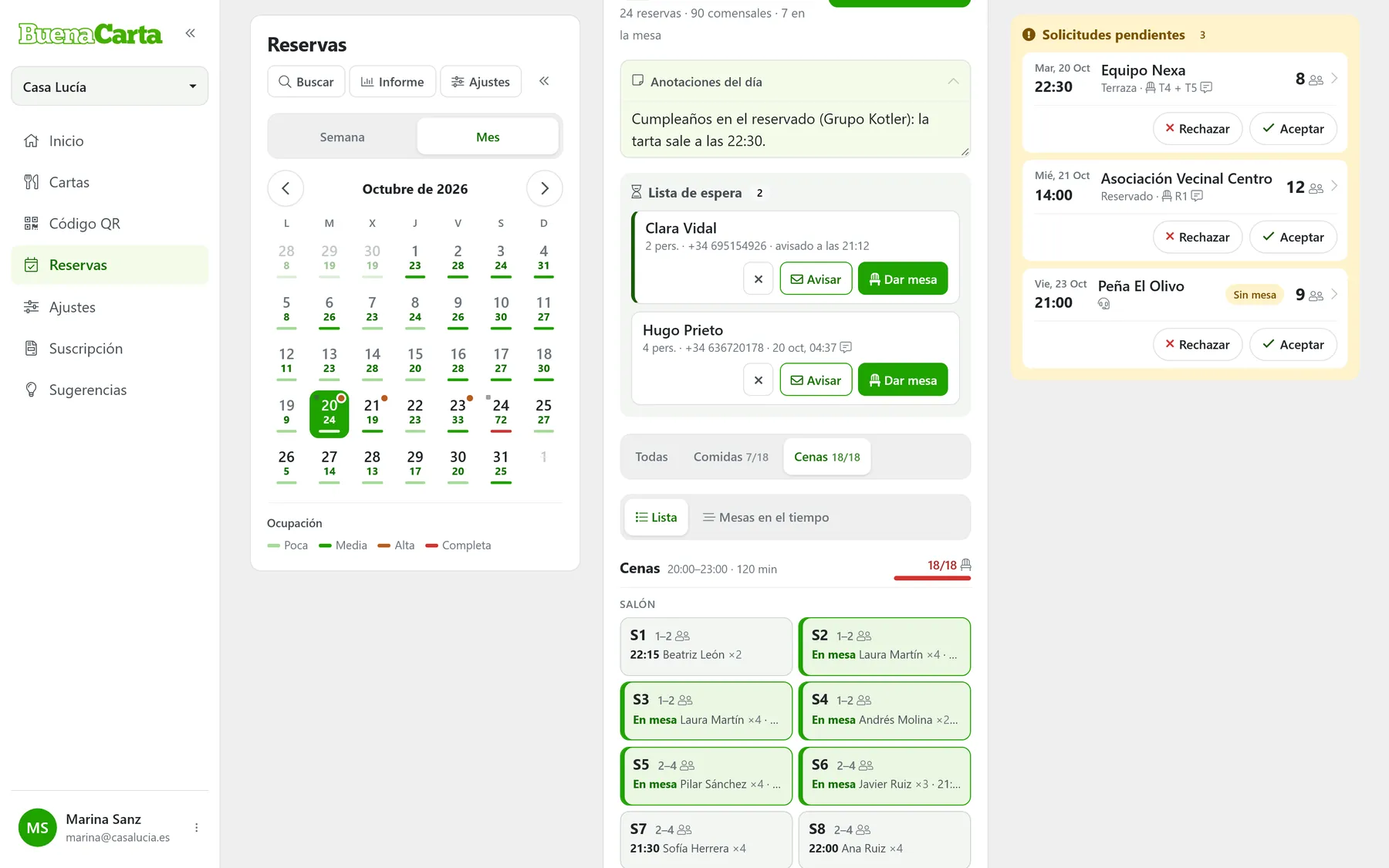
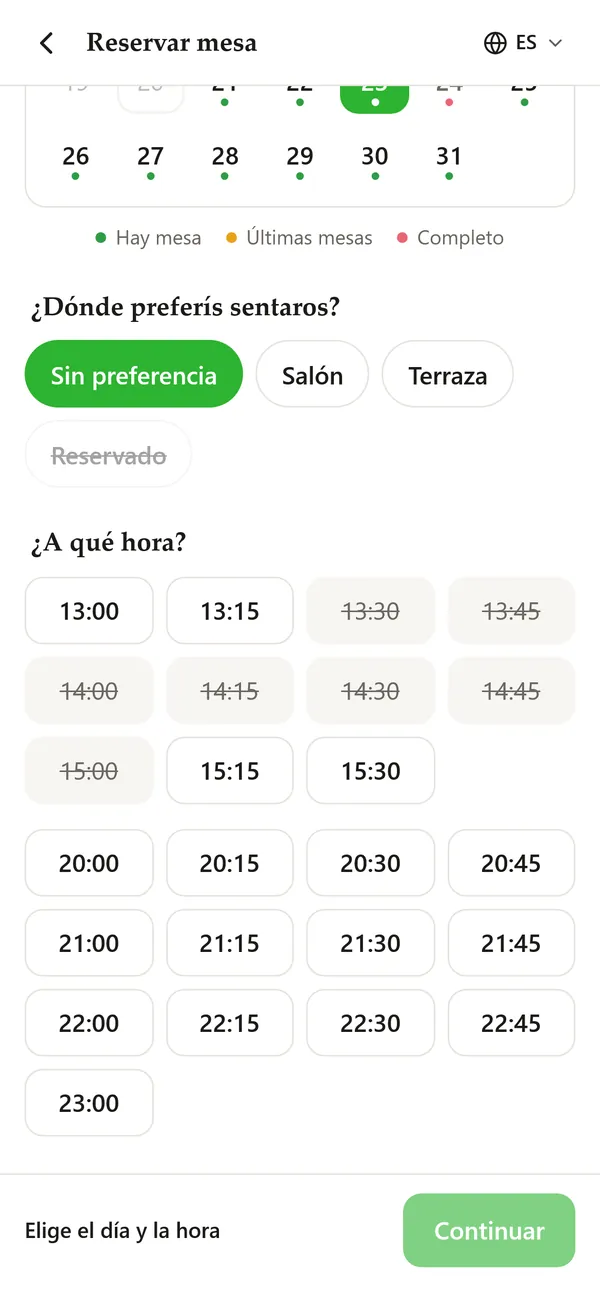
- Your dining room in real timeWho has arrived, who is running late and which table is free, at a glance.
- Tables, areas and waiting listWith Premium, the app assigns and joins tables for you.
- Guests with their historyVisits, no-shows and a fixed note for each guest.
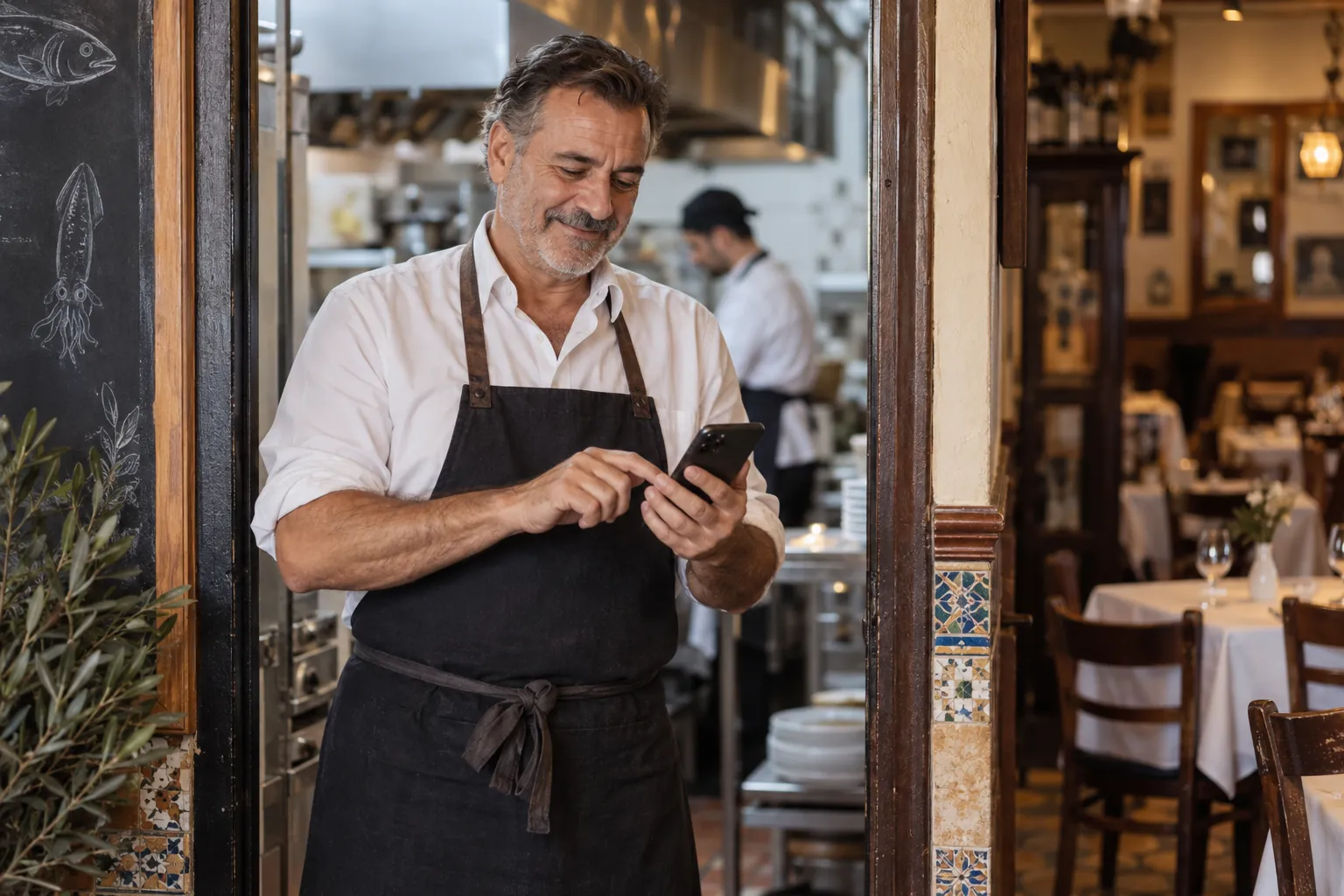
- On your phone, tablet and computerWith the free app and an instant alert for every booking.
Advantages
The most complete digital QR menu, free forever
Digitize the menu of your restaurant, bar or café for free with BuenaCarta and let your customers check your always up-to-date menu through a QR code or a link from your website. Offer a modern, hygienic experience without paper menus and comply with Regulation 1169/2011 on allergens and food information.
- Online bookingsYour customers book a table from your menu and you know right away. Free, unlimited and with no commissions.
- AI translationWrite your dishes once and artificial intelligence translates them into 11 languages. Each customer reads your menu in their phone's language.
- Allergen ListSelect the allergens in each of your dishes to easily comply with Regulation 1169/2011.
- Printable PDF menuPrinted menu from your dishes: more than ten designs, bilingual, A4, A5 or A3, with allergens and photos.
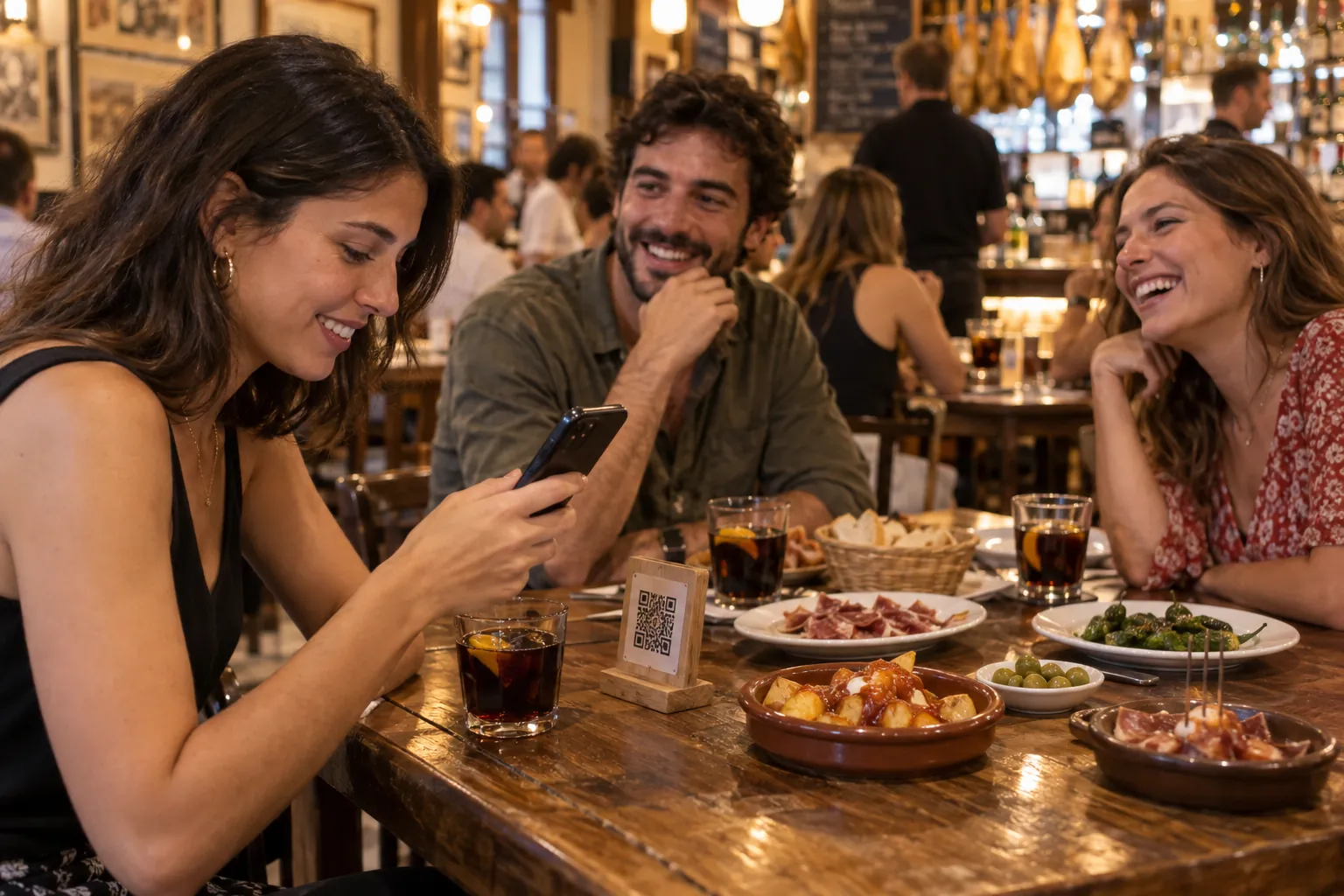
- QR CodeGenerate a single QR code that will never change so that your customers can read your menu from their mobiles.
- Always updatedAllow your staff to instantly update available products and avoid inconvenience to customers.
- Custom designYour business is unique, and so is your digital menu. Customize the logo, colors and choose different display modes.
- Serving sizesSpecify the different serving sizes of each product and the price of each one.
What your customer sees
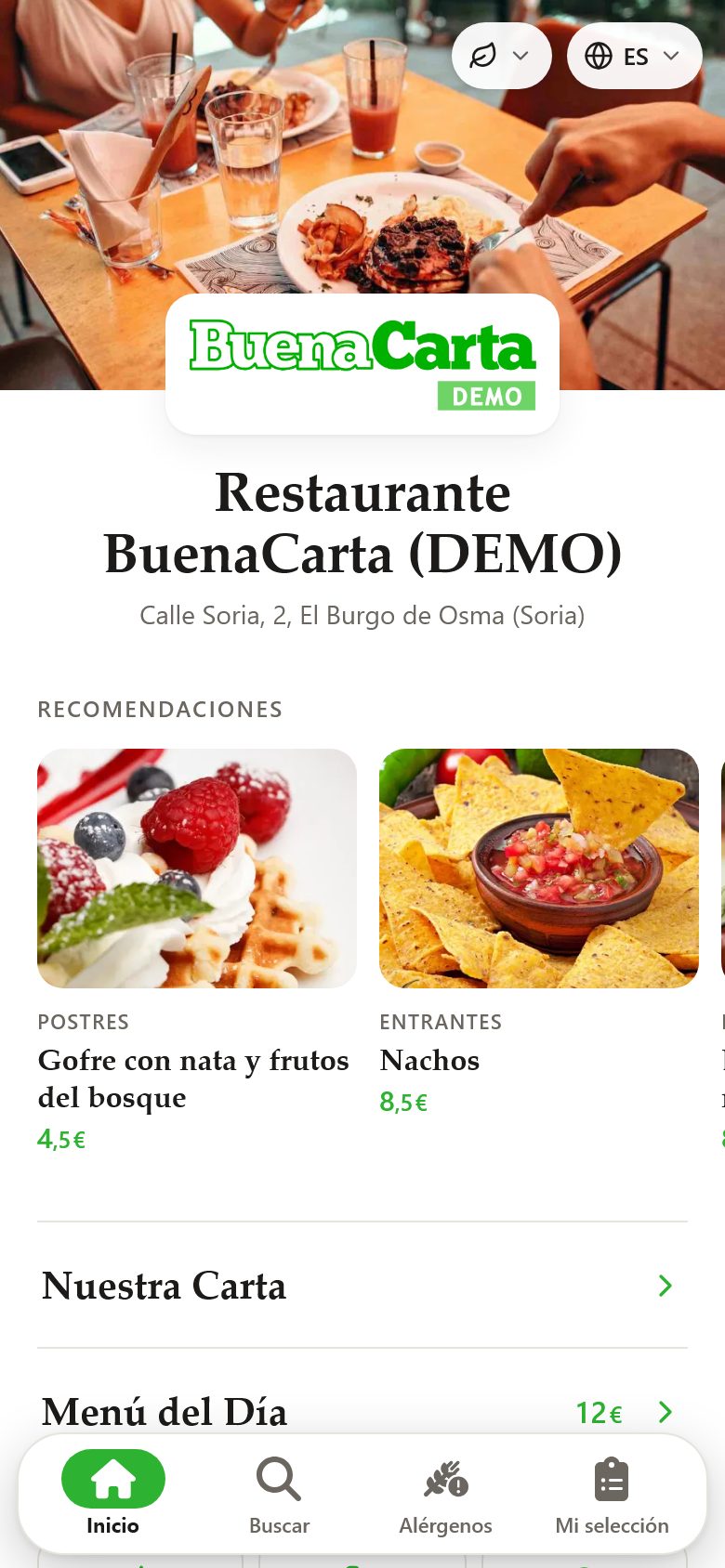
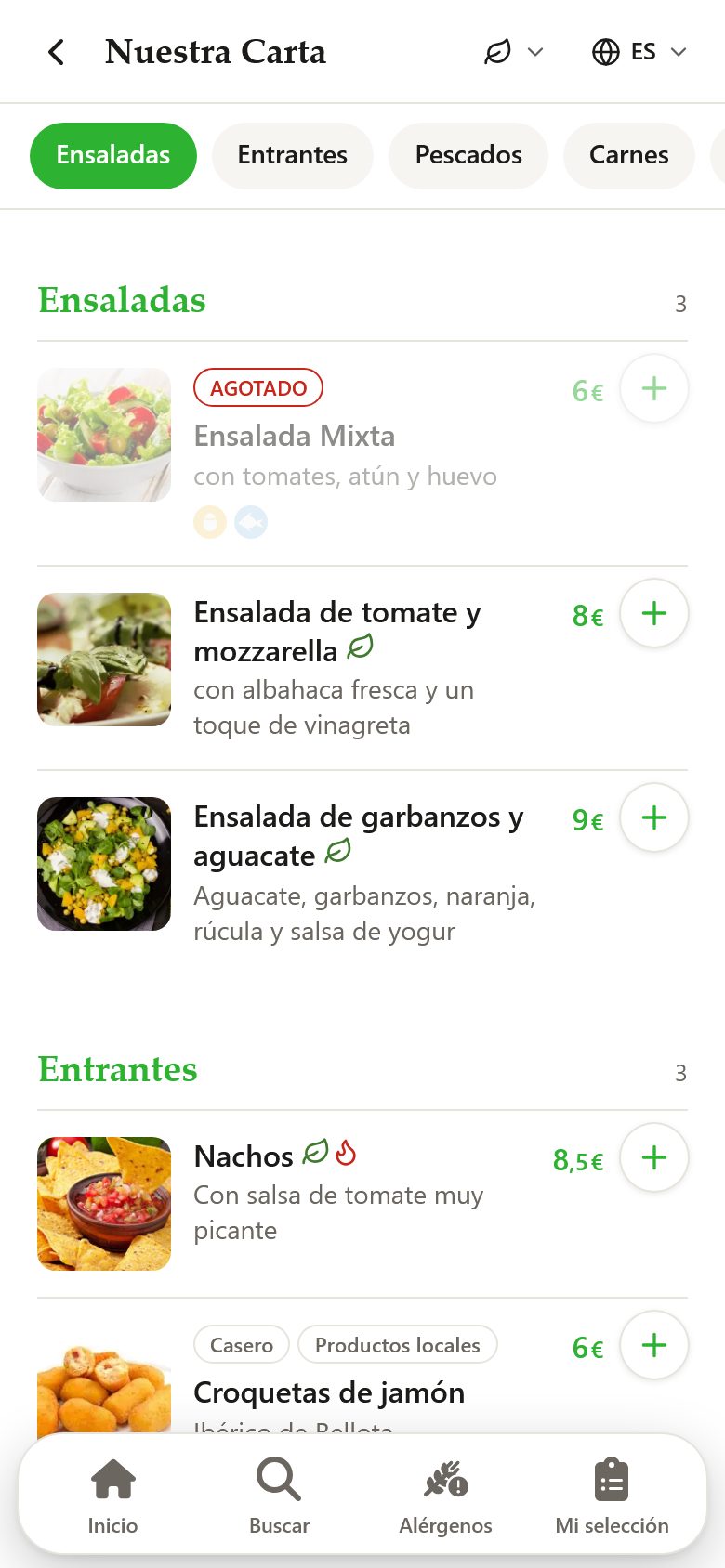
This is what a digital QR menu made with BuenaCarta looks like
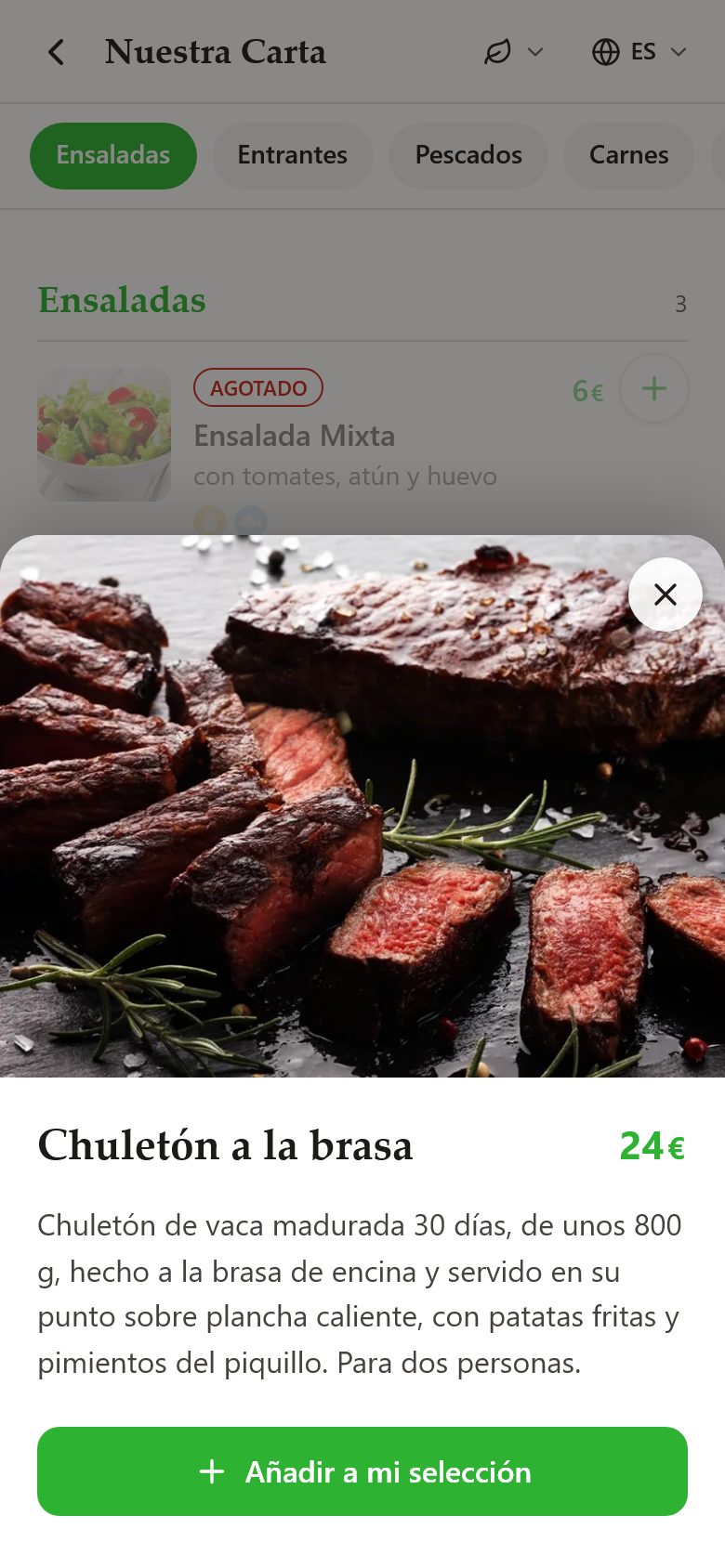
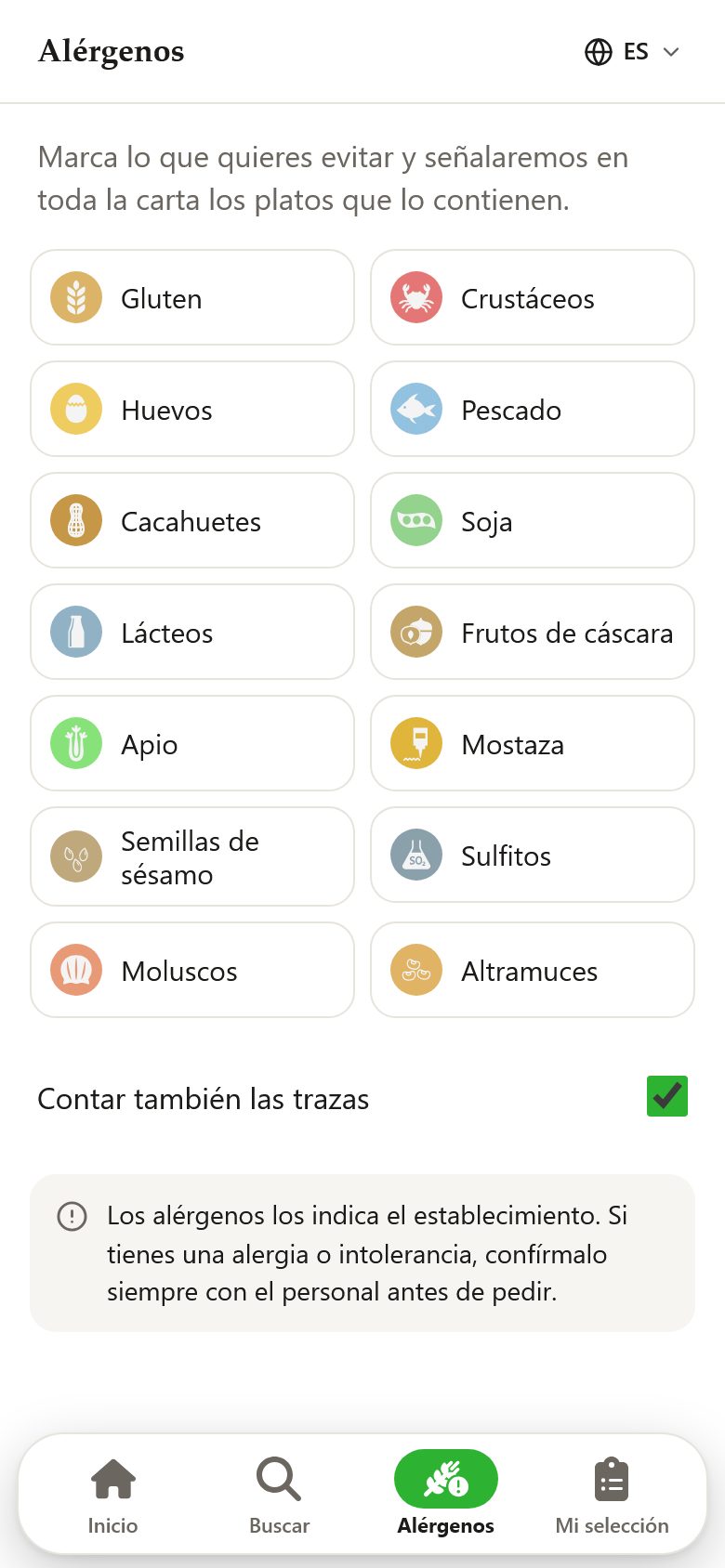
Real screenshots of our demo menu, exactly as your customers see it when they scan the QR: cover with your logo and photo, recommended dishes, sections with photos and prices, a card for each dish and an allergen filter. Tap any image to open it on your phone.
What you see
A dashboard designed to manage your menu from your phone
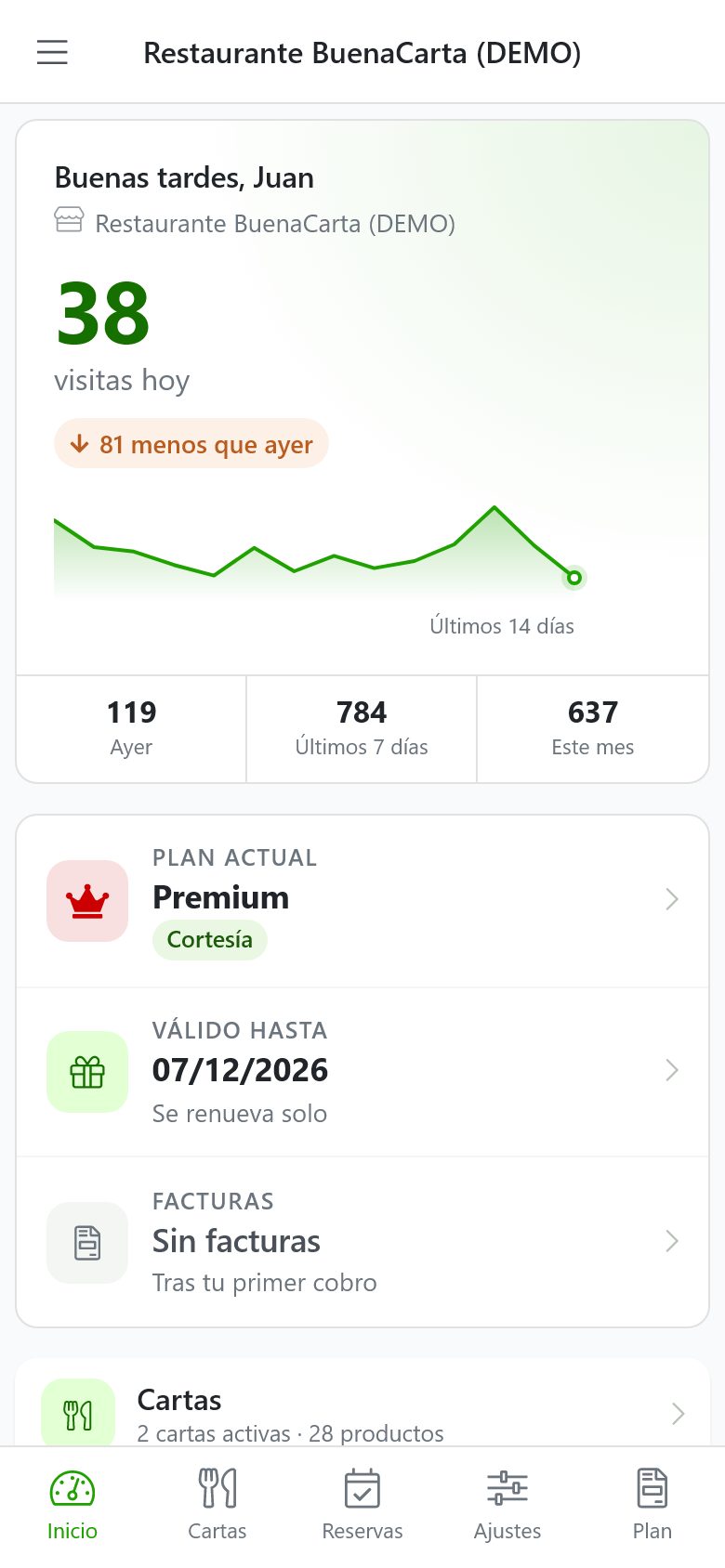
Change a price, mark a dish as sold out or upload a photo between services, in seconds and with no technical knowledge. These are real screenshots of the BuenaCarta dashboard, available on the web and in the app for Android and iOS.
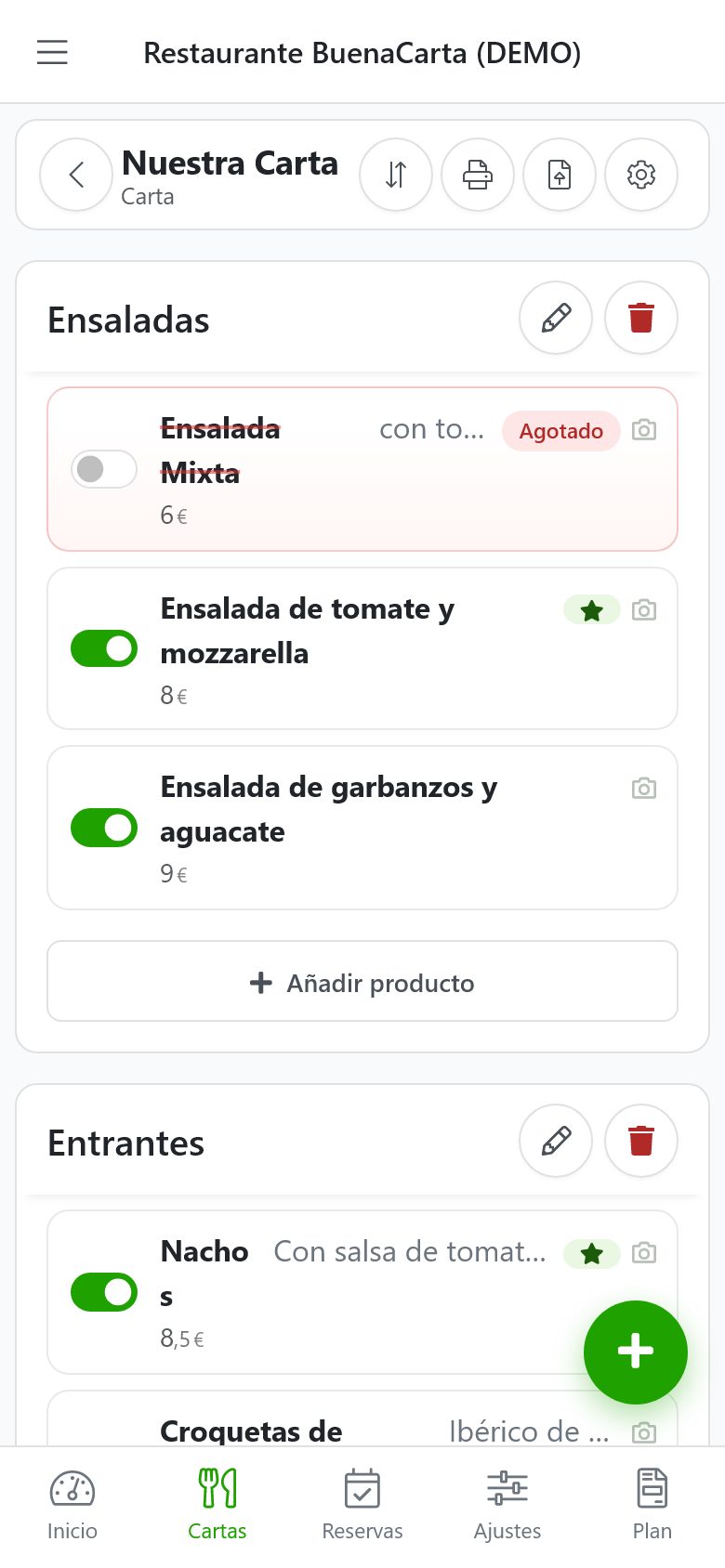
Enable or sell out a dish with one tap, reorder sections and add products without leaving the screen.
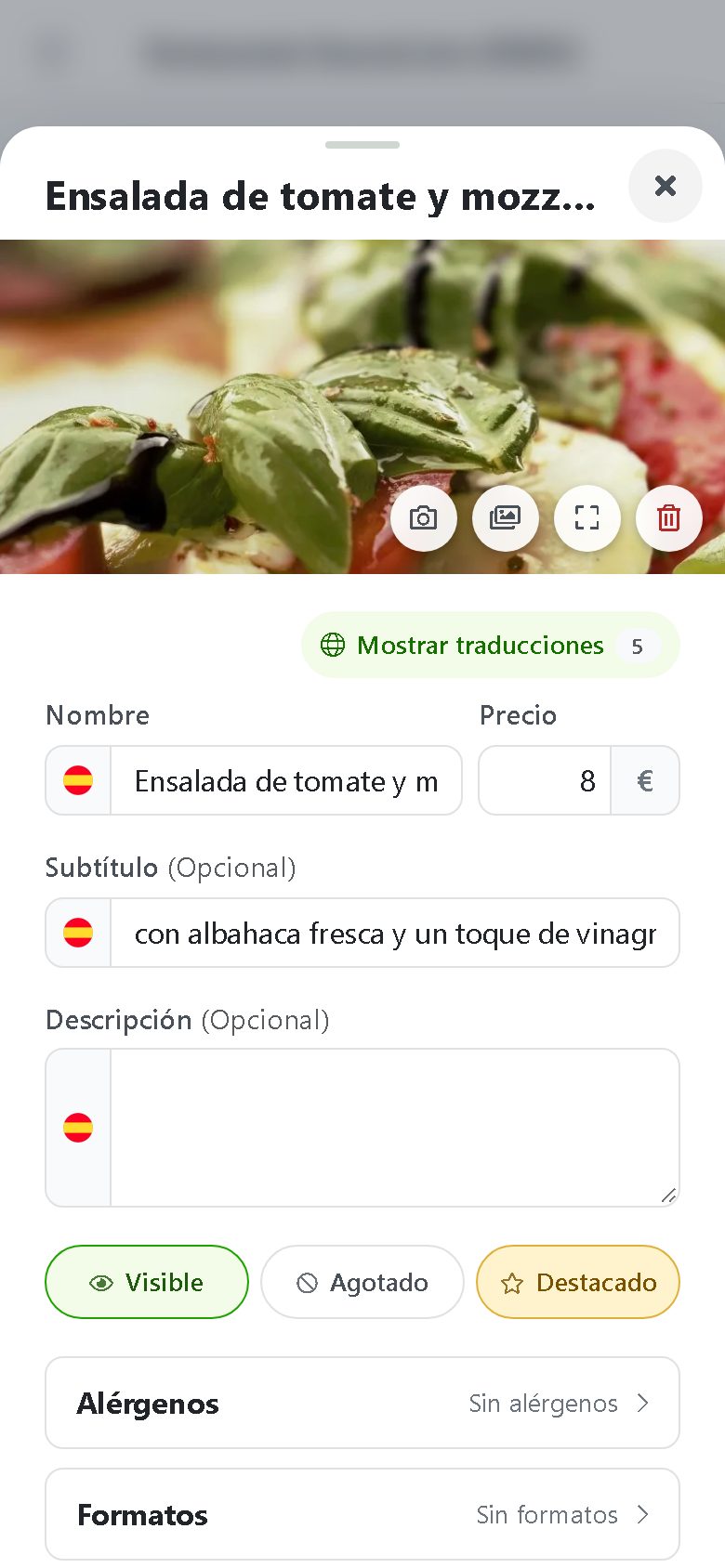
Photo, price, description, allergens, traces, serving sizes and tags such as vegetarian, spicy or home-made.
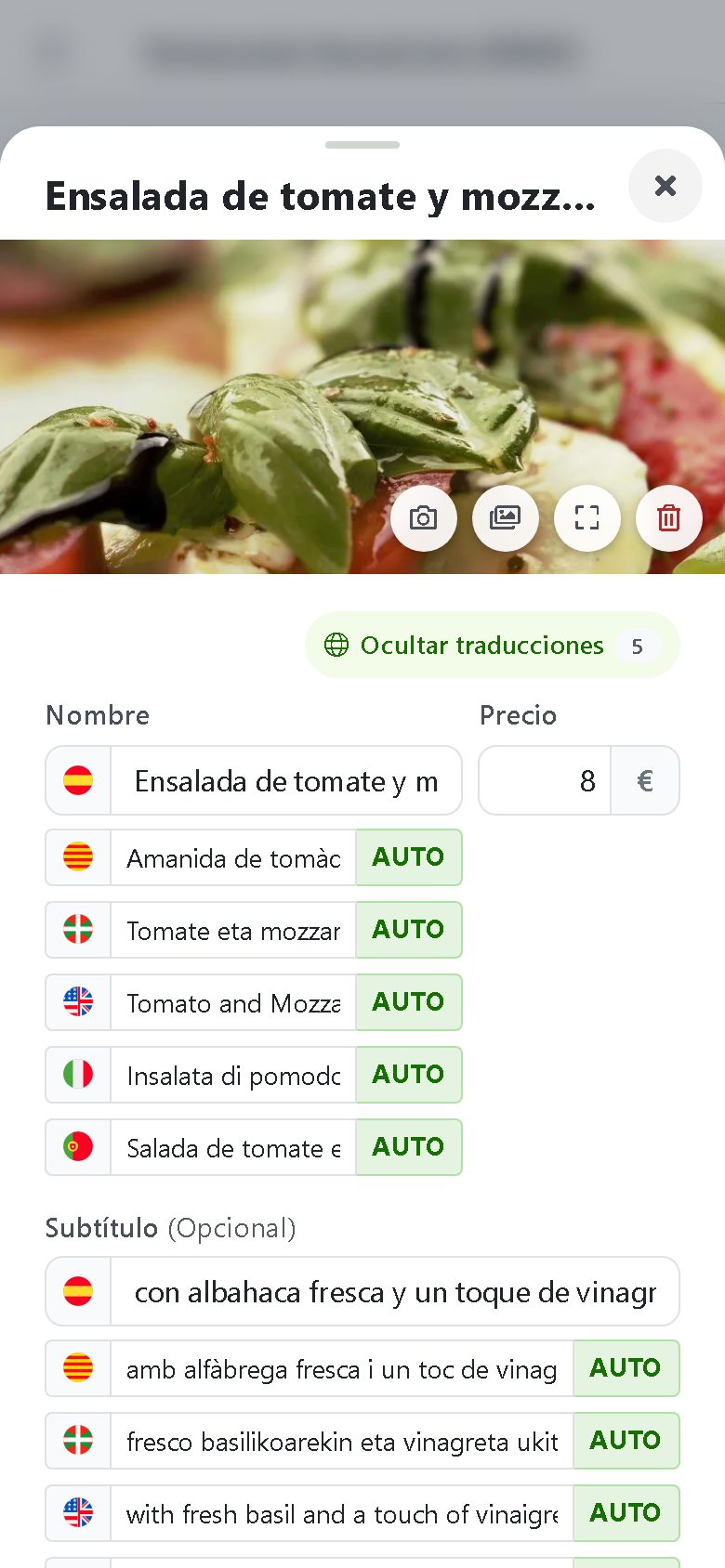
Write the dish once and AI translates it into the languages you enable, labeled AUTO.
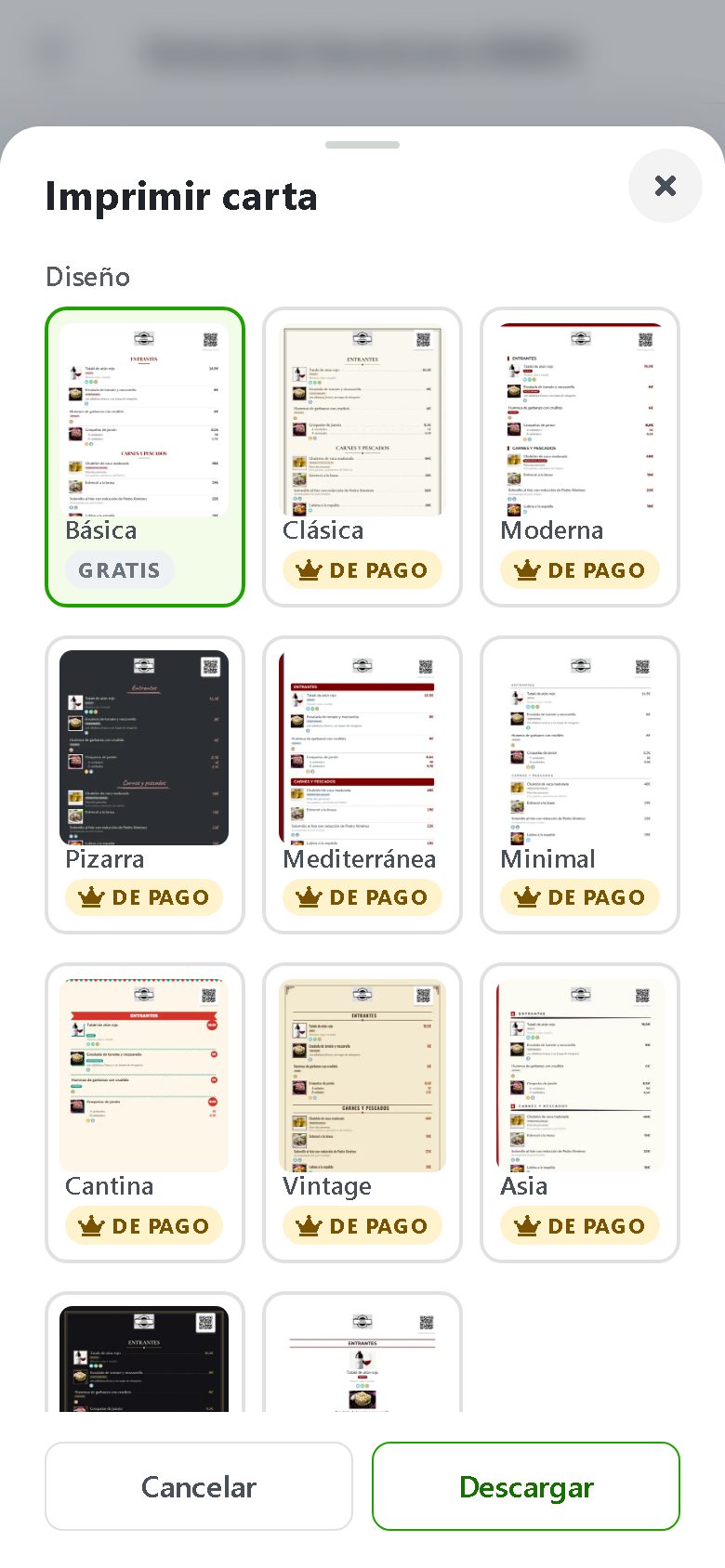
Choose design, paper, language, allergens and photos, and download the printed menu with up-to-date prices.
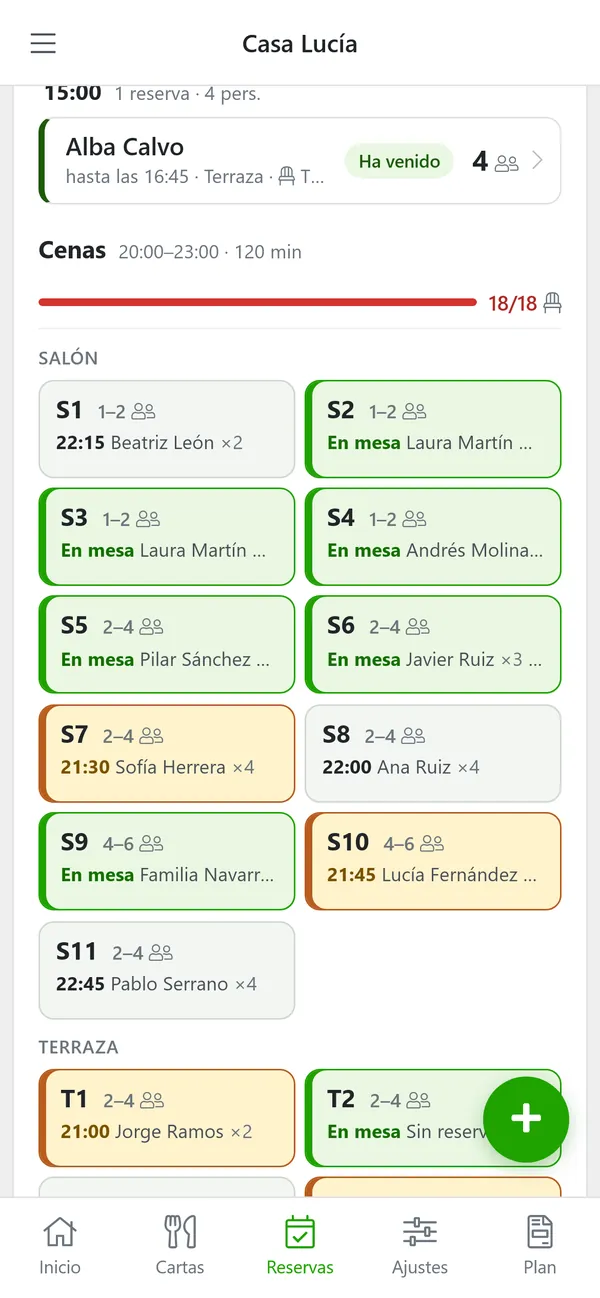
Who has arrived, who is running late and which table is free, at a glance.
Download the free BuenaCarta app and carry your menu in your pocket
- Change prices and mark dishes sold out in seconds
- Take the dish photo and upload it on the spot
- Check your menu's daily visits
- Manage bookings from your phone
- Download your QR code and your PDF menu
- Free, no ads and no commitment
Coming soon to theApp StoreAI QR menu
Photos of your dishes and AI translation into 11 languages
Upload photos straight from your phone or choose images from our library of AI-created dish photos. With the Premium plan, artificial intelligence translates your menu into English, French, German, Italian, Portuguese and other languages, and each customer sees it in their phone's language so they can order with confidence.
How the AI QR menu works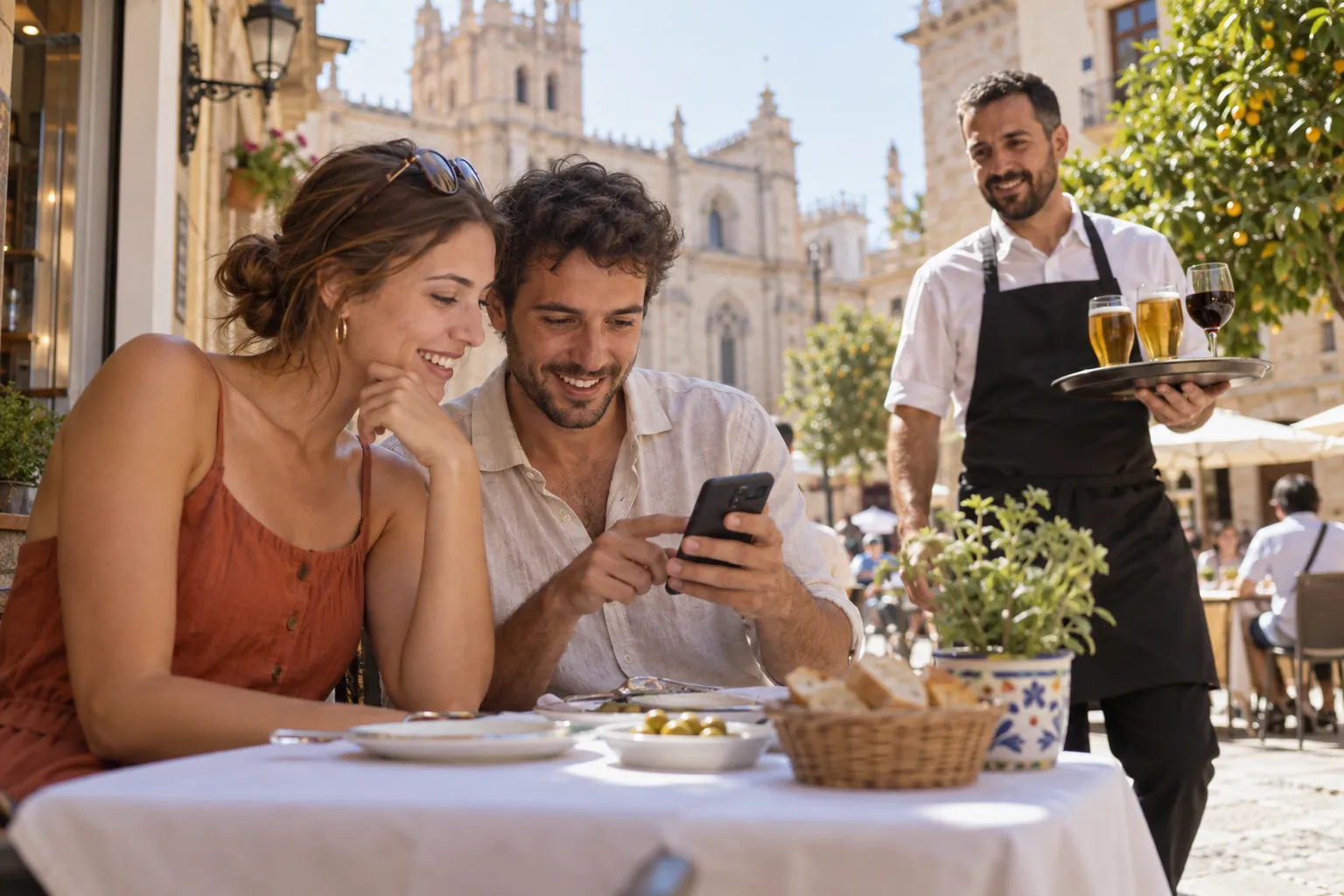
Allergens
Menu with allergens to comply with Regulation 1169/2011
Tick the 14 allergens that must be declared and any possible traces on each dish. Your customers will see the icons next to every product and you will avoid fines and misunderstandings. All the allergen information of your restaurant, always up to date and free.
Guide to allergens in restaurants










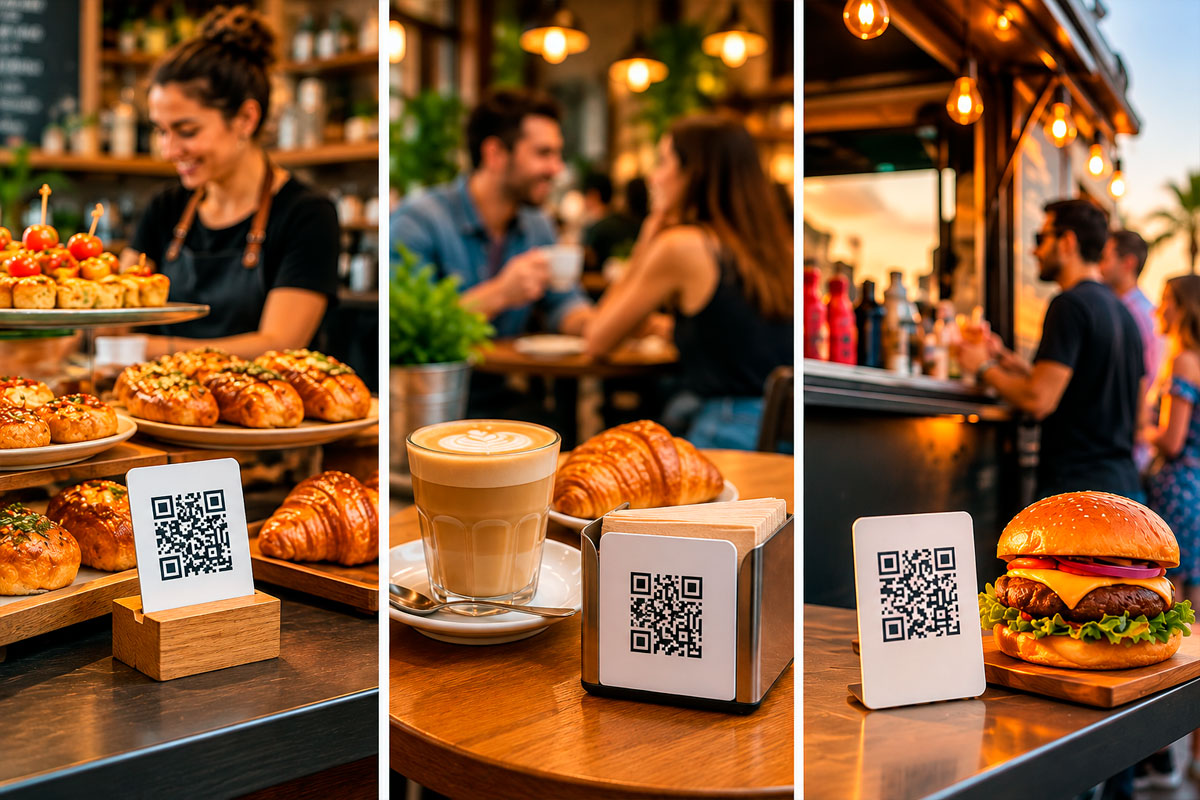
QR menu for bars, cafés, ice cream parlors, hotels and food trucks
BuenaCarta is not just a QR menu for restaurants. More than 2,000 hospitality businesses in 13 countries use it to publish their digital menu: from the neighborhood tapas bar to hotels with several menus, as well as cafés, pizzerias, ice cream parlors, beach bars and food trucks. If you sell food or drinks and have a menu, BuenaCarta works for you.
- Restaurants and grill houses
- Tapas and pintxos bars
- Cafés and bakeries
- Pizzerias and burger joints
- Ice cream parlors
- Hotels and rural guesthouses
- Beach bars and terraces
- Food trucks and events
Your Digital QR Menu in 4 Steps
No technical knowledge needed and nothing to install. In under 10 minutes your digital menu will be ready to show to your customers.
Enter your dishes
You can also add prices, photos and allergens
Generate your QR
We'll generate a unique QR code for you
Show your QR code
Your customers will scan it and see your menu
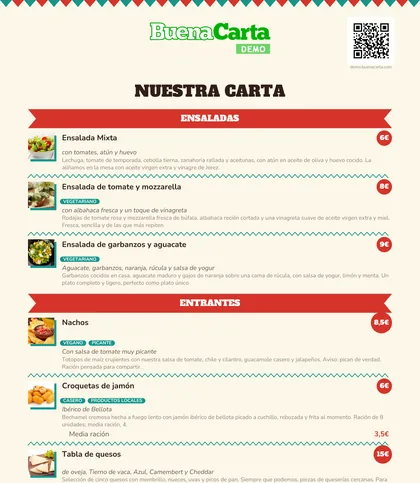
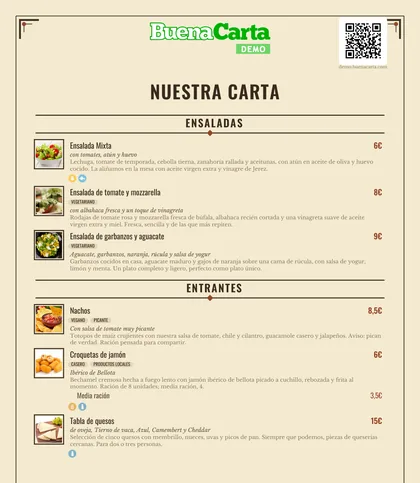
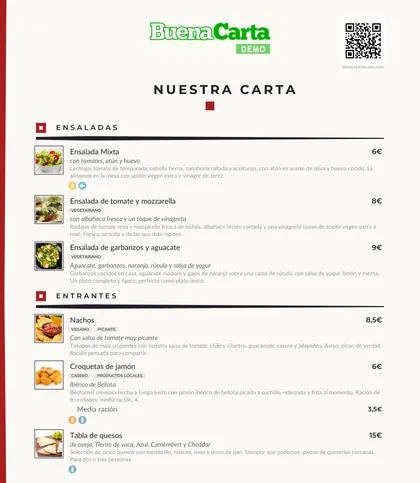
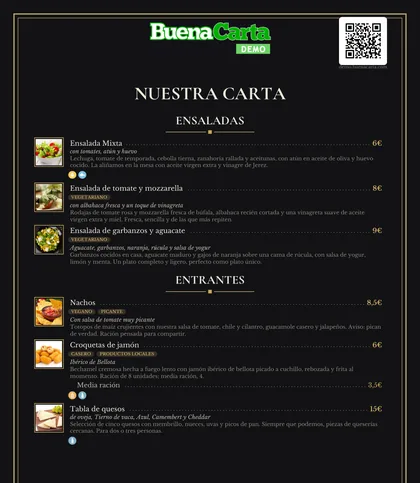
A complete PDF menu generator built from your dishes
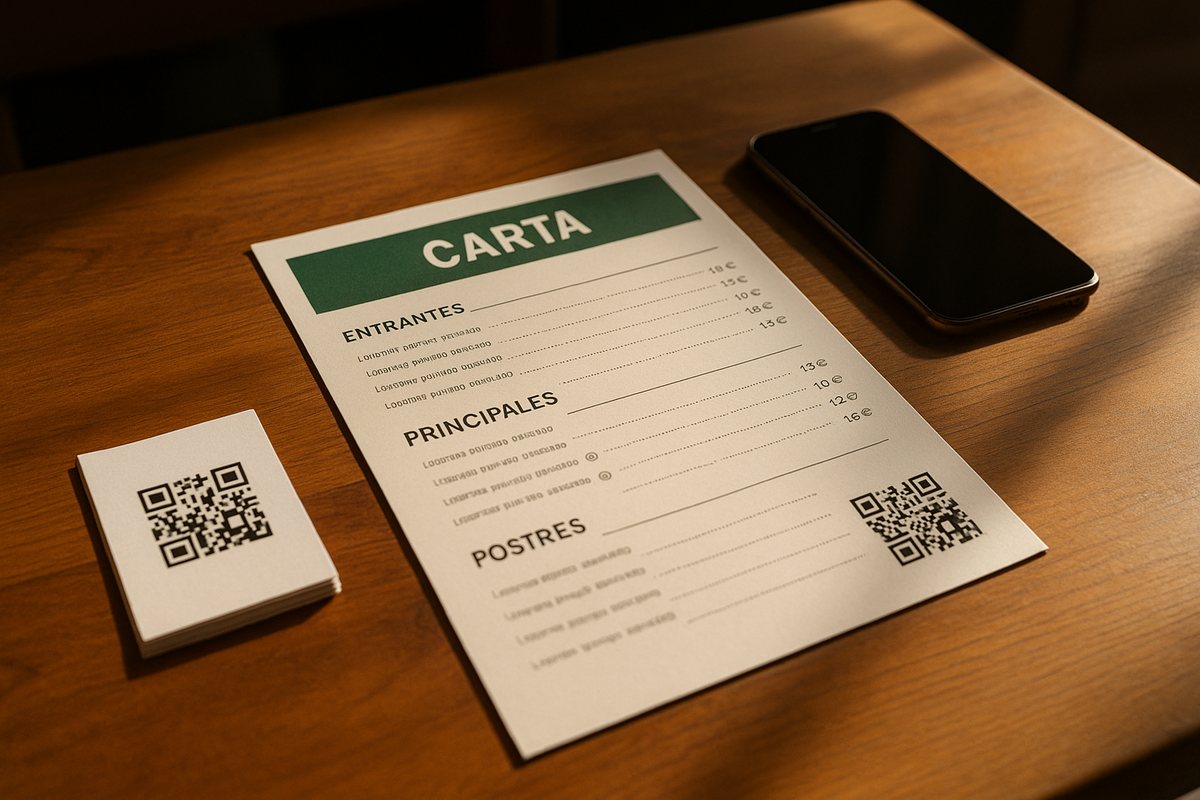
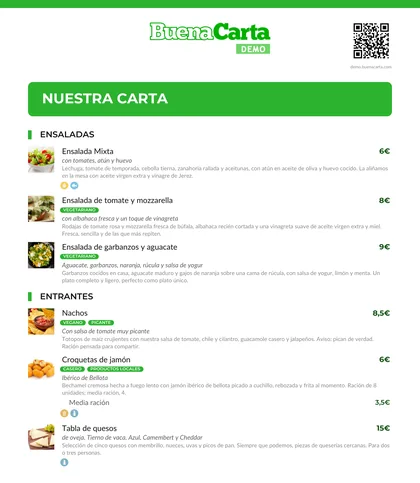
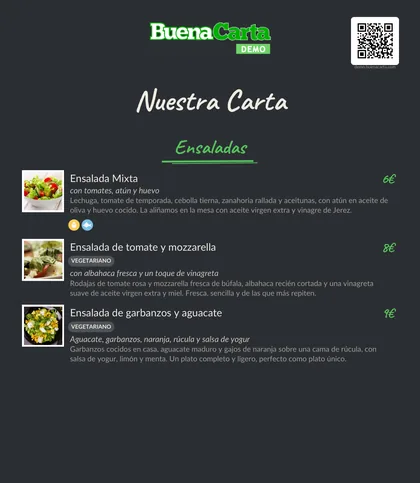
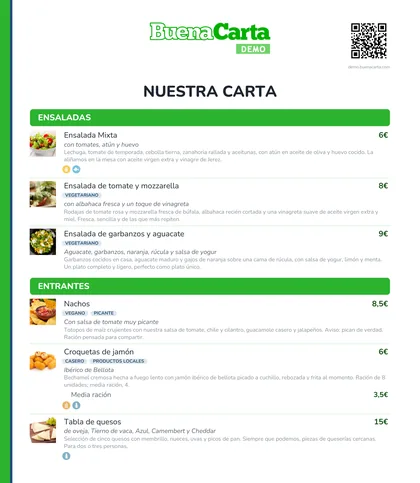
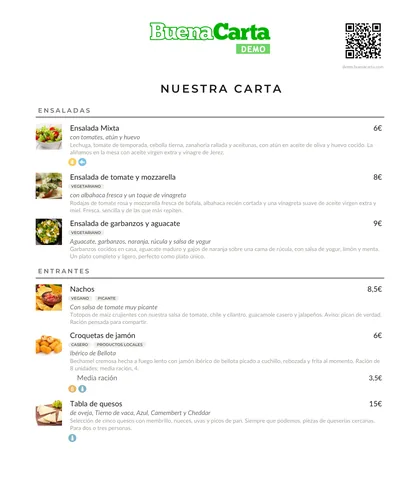
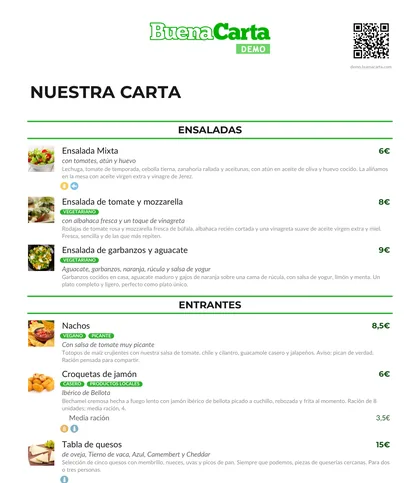
The printed menu comes from the same dishes as your QR menu: nothing to lay out. Choose the design, the paper, the language and what to show, and download a PDF ready for your printer or the print shop. When a price changes, generate it again in one click.
- More than ten different designsClassic, modern, chalkboard, Mediterranean, vintage, cantina, minimal, Asian, night or daily menu.
- In the language you wantPrint the menu in any of your active languages, translated automatically by AI.
- Bilingual on the same menuTwo languages at once, one below the other: ideal for tourist areas.
- One, two or three columnsLong menus in fewer pages, with the font size you choose.
- A4, A5 or A3, portrait or landscapeFrom the table menu to the large poster for the wall or the stand.
- Folding tri-foldLandscape A4 in three panels, ready to fold.
- With or without allergens and tracesThe 14 allergen icons next to each dish, with their legend.
- With or without dish photosThe same photos as your digital menu, on paper too.
- Your QR code on the menu itselfThose who prefer their phone can scan it from the printed menu.
- Recommendations, labels and serving sizesFeatured dishes first, vegan, spicy or homemade labels, and every serving size with its price.
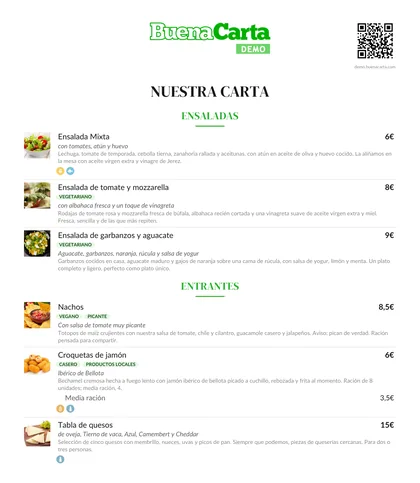
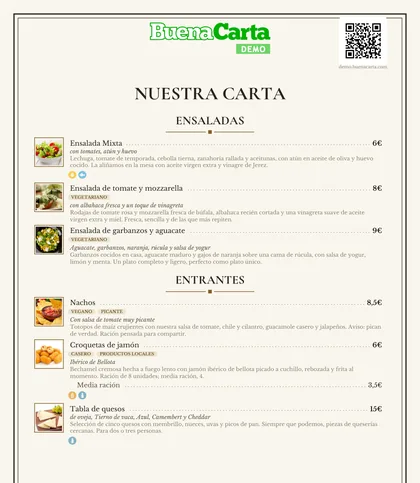
The PDF menu designs, with the dishes from our demo
A QR code to a PDF, or a real QR menu?
Many free QR code generators simply link to a PDF of your menu. It works, but every change means redoing the file, it is heavy on the phone and the customer has to zoom in. A dynamic QR menu like BuenaCarta's is something else.
| QR to a PDF | BuenaCarta QR menu | |
|---|---|---|
| Change a price or a dish | Redo the PDF and upload it again | Instantly from your phone |
| Sold-out dish | Impossible without editing the PDF | Hidden with one tap |
| Reading on the phone | Heavy, you have to zoom in | Mobile-friendly page, loads in under 1 second |
| Allergens | Free text, if you add it | Icons of the 14 allergens and traces on every dish |
| Photos of the dishes | They make the PDF heavier | Optimized photos, with a library of AI-created images |
| Languages | One PDF per language | Automatic AI translation into 11 languages |
| Printed menu | The PDF itself | PDF generator with more than ten designs, bilingual, A4, A5 or A3, always up to date |
| The QR code | Changes if the link changes | Always the same, for life |
| Price | Free | Free |
How to place the QR code of your menu on the tables
From your dashboard you download the QR in high resolution and as a print-ready PDF. As the code never changes even if you modify the menu, you can invest in quality holders without fear of them becoming outdated.
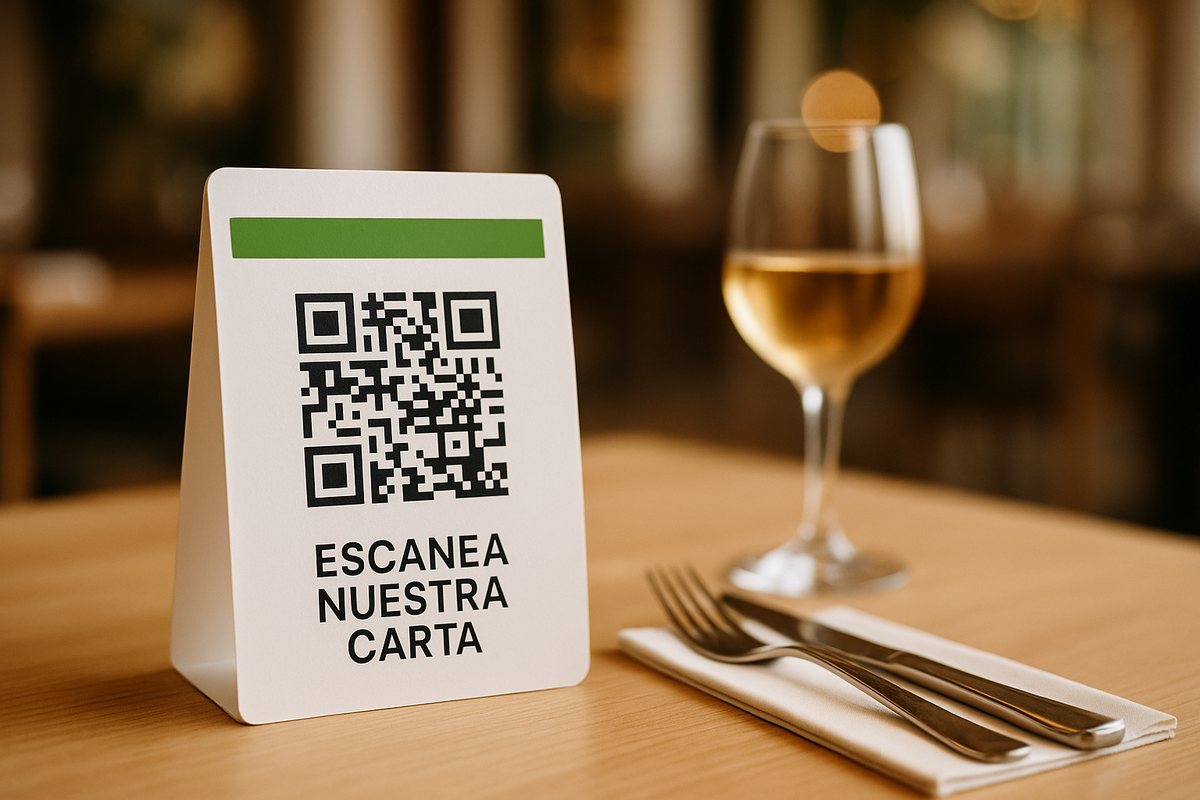
Table tents
A folded card or an acrylic holder on each table: the first thing the customer sees when sitting down.
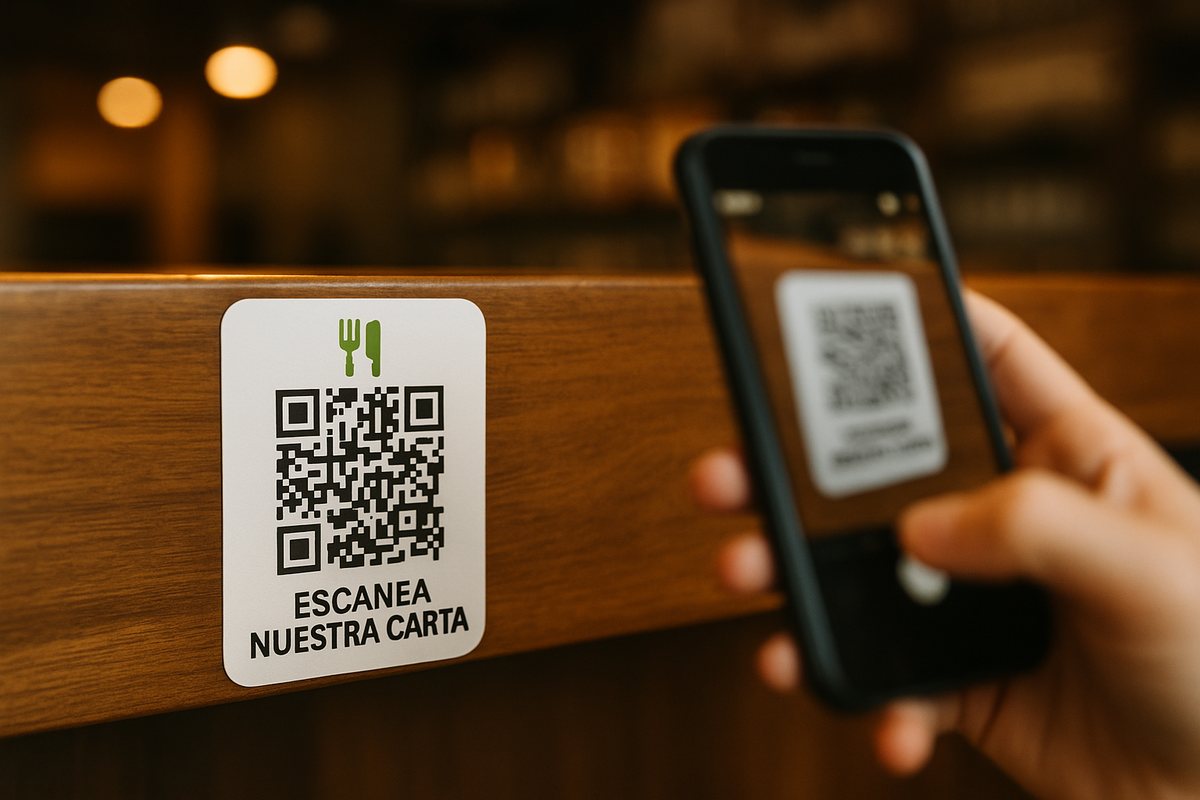
Stickers on the bar and tables
Hard-wearing vinyl stickers for the bar, the terrace tables or the café counter.
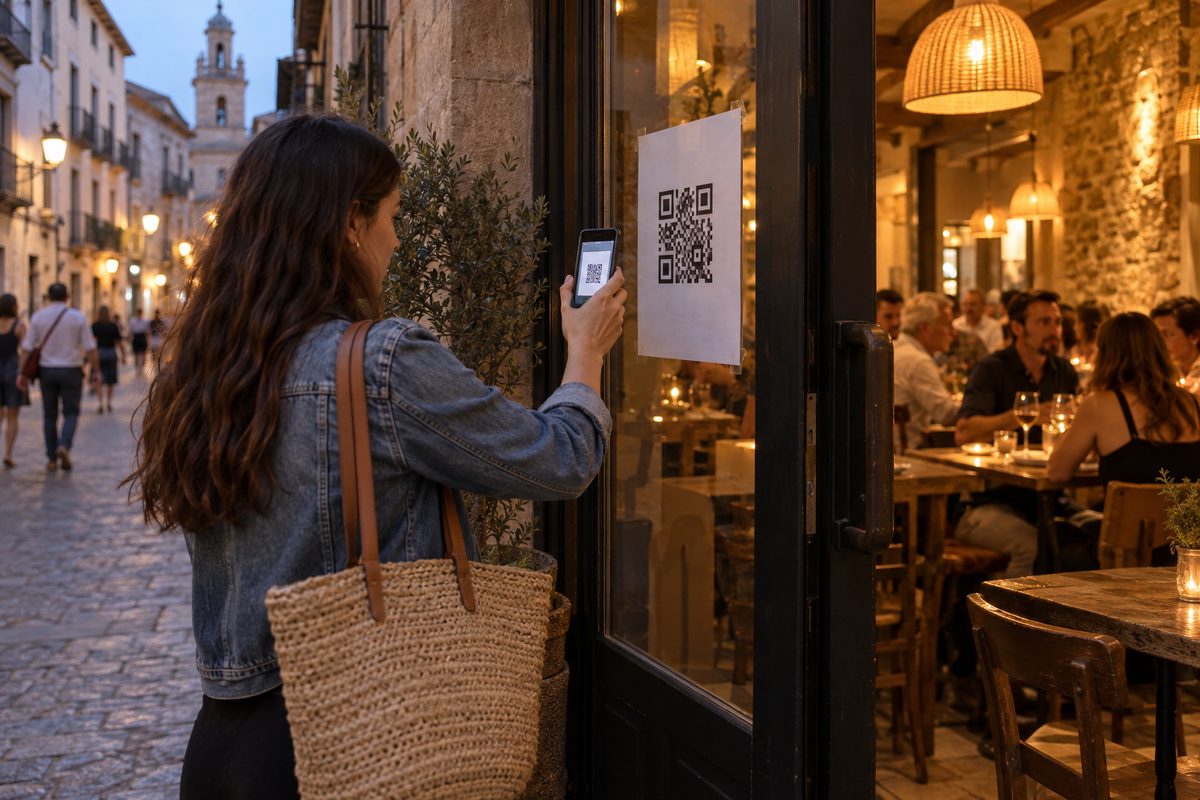
Posters, social media and website
An A4 poster at the entrance or in the shop window, and the link to your menu on Instagram, Google and WhatsApp.
We digitize your paper menu by hand
If you do not have the time or means, send us your menu however you have it: a photo of the printed menu, a PDF, via WhatsApp, by email or even handwritten. Our team enters it by hand, checks it and turns it into a simple QR code. Plus, this service is free with any paid plan, also during the trial period. See all our prices and plans.
Send us your menu on WhatsApp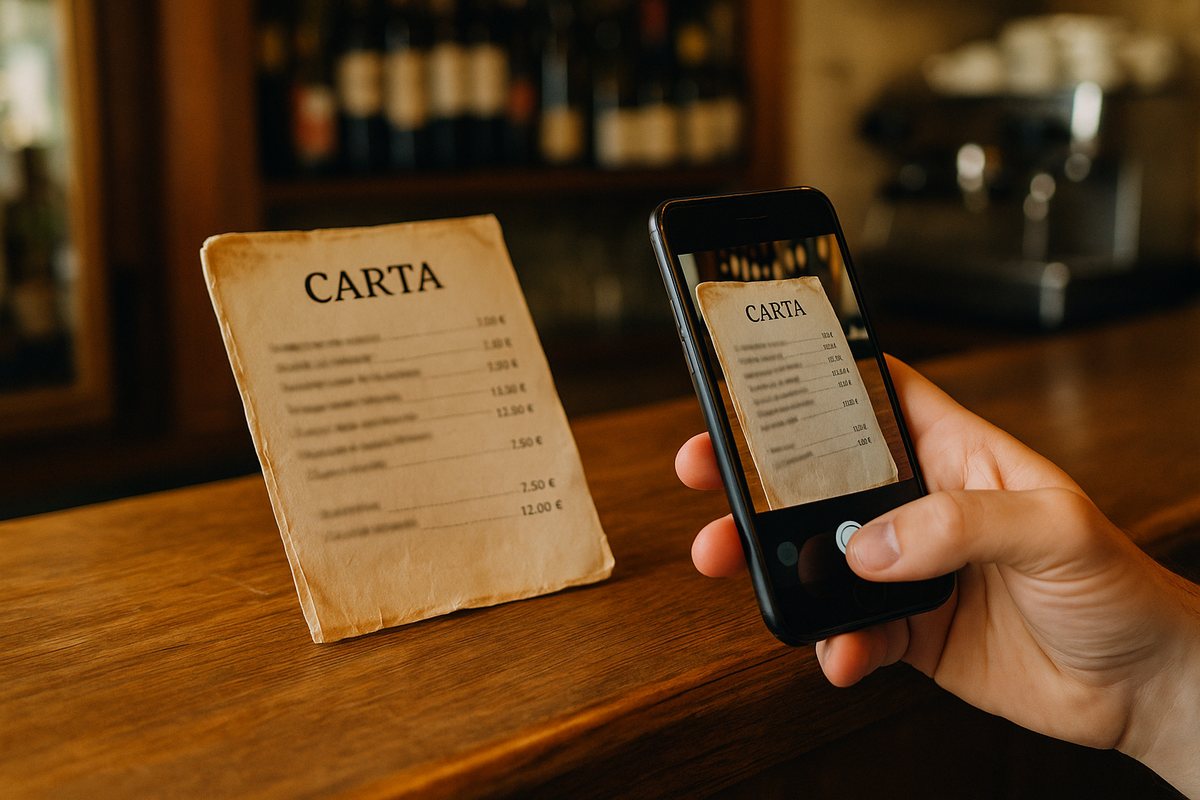
Everything a restaurant's digital menu needs
Our team of developers has been working in the hospitality sector for more than 15 years. Add to that the suggestions sent to us by the more than 2,000 active users of BuenaCarta, and the result is a very complete application with a clean, fast and simple interface that is easy to use even for people with no computer skills.
- Elegant and thoughtful design
- Distinction between menus and set menus
- Clean and clear interface
- PDF generation for printing
- Quick product hiding
- Customizable URL
- Detailed card for each product
- Your own photo, logo and colors
- Allergen list
- "May contain traces" list
- Photos straight from your phone
- Different menu designs
- Automatic AI translation
- Available in 11 languages
- QR code generation
- Time scheduling
- Quick import from Excel
- Lightning-fast loading speed
- 100% free website
- Online menu on social media
- Online reservations from the menu
- Reservation alerts on your phone
Frequently asked questions about the QR menu
Here we will answer the most frequently asked questions (FAQ) that you send us through the contact section.
Ready to digitize your menu?
Join the thousands of establishments that already trust BuenaCarta. Free, no commitment and in under 10 minutes.